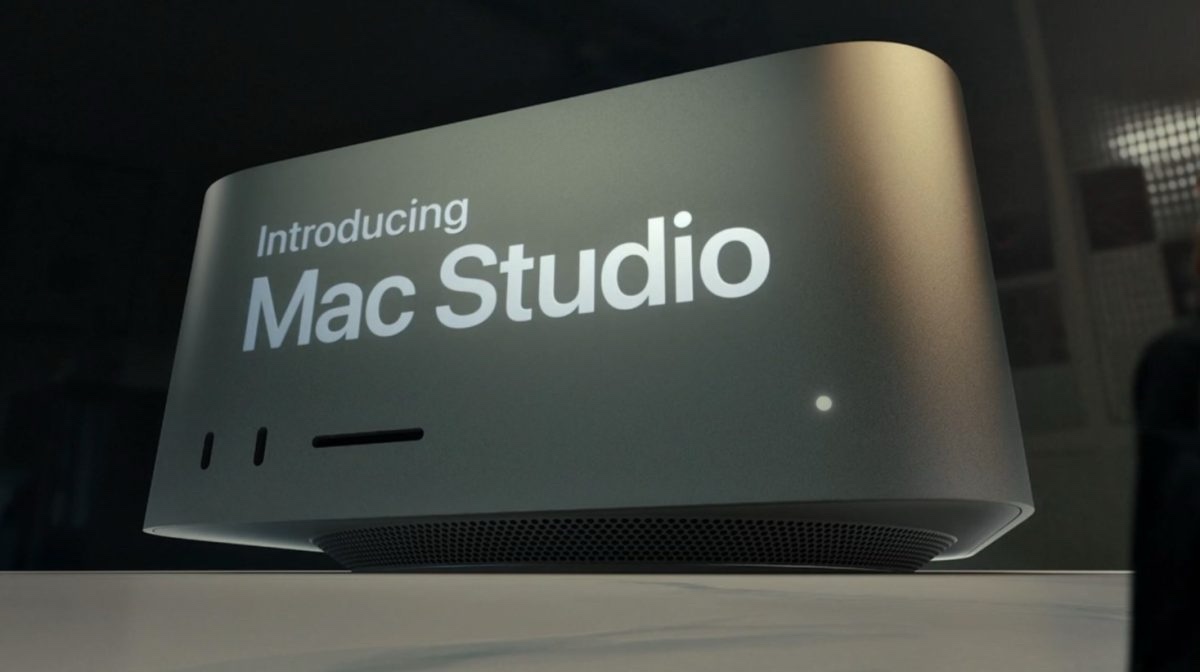
Introduction: Apple’s Most Powerful Compact Desktop Yet
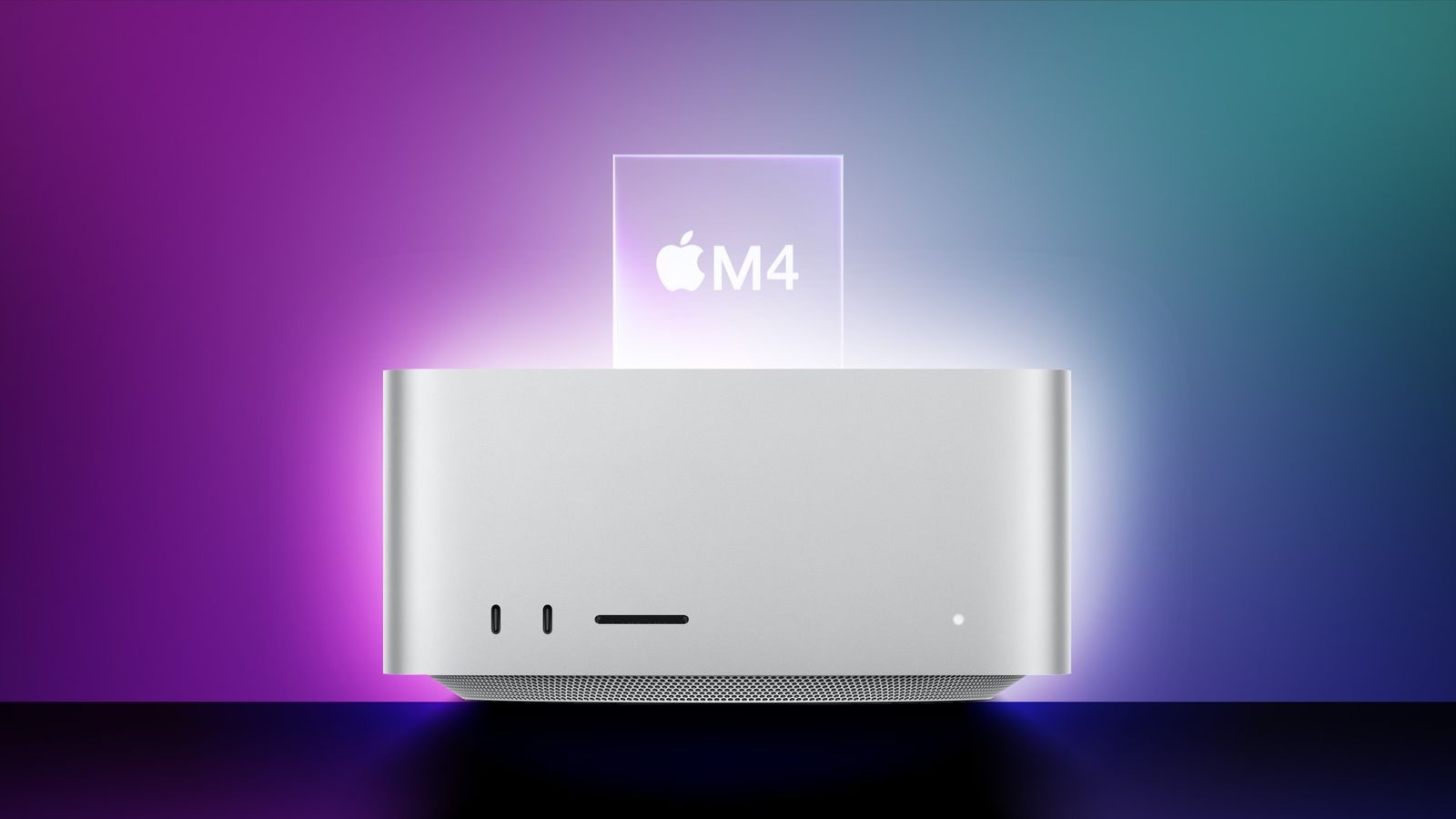
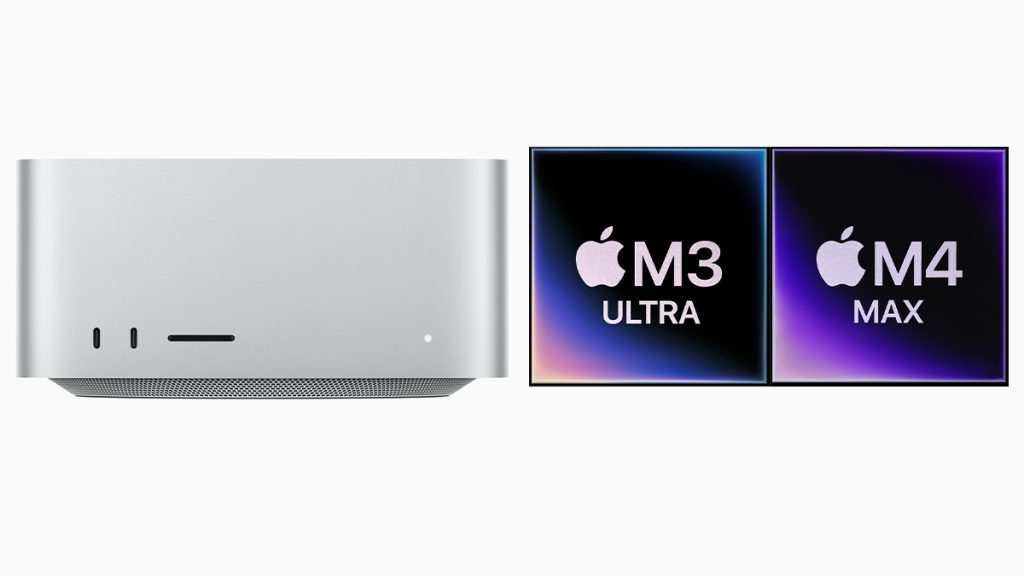
For years, Apple’s Mac Studio has been a go-to solution for professionals needing raw power in a compact form factor. The 2025 Mac Studio lineup takes this further with two cutting-edge chips: the M4 Max and the M3 Ultra, designed to handle professional workloads with ease. Whether you’re a video editor working in DaVinci Resolve, a 3D artist creating complex models in Cinema 4D, or an AI researcher training neural networks, the new Mac Studio aims to deliver workstation-grade performance in a desk-friendly size.
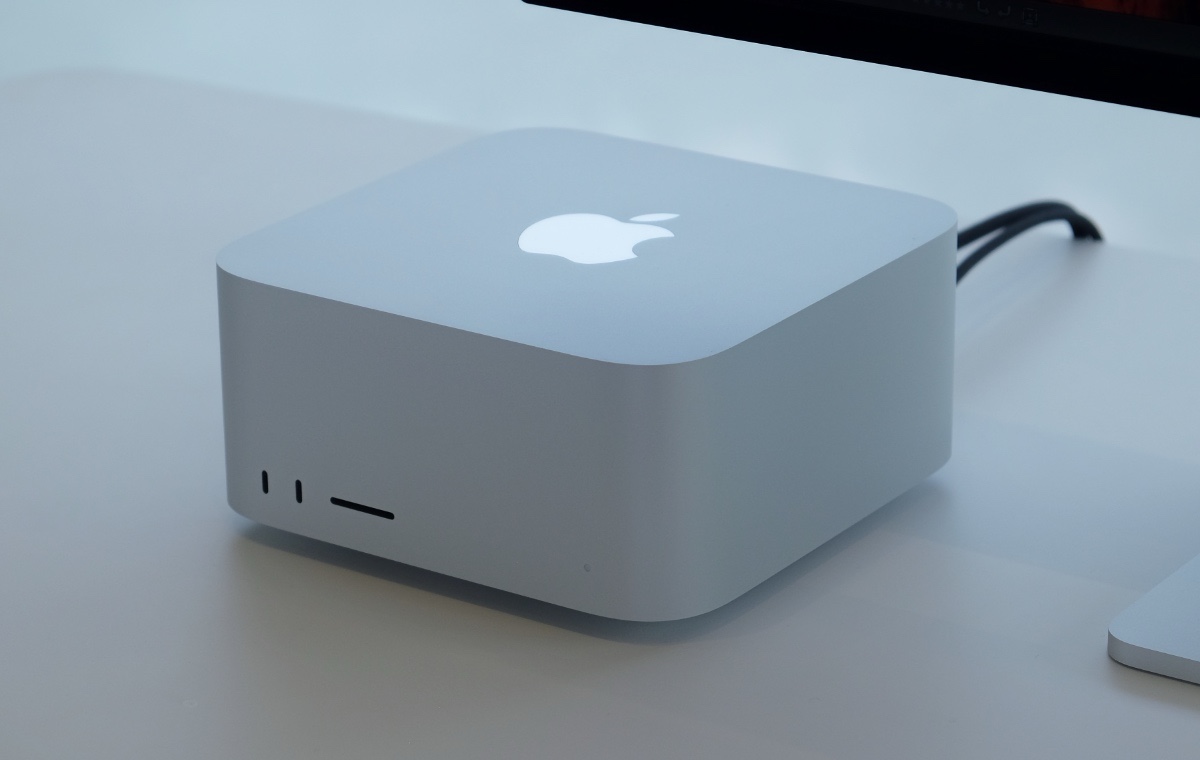
But with a starting price of $1,999 for the M4 Max and $3,999 for the M3 Ultra, is it worth the cost? Let’s break down everything you need to know.
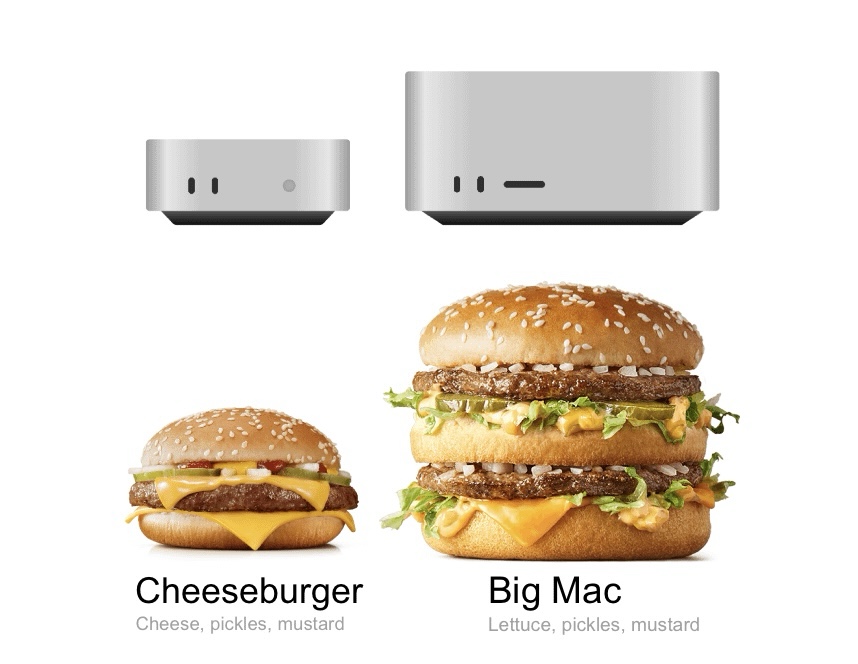
Technical Specifications: Built for Demanding Workloads
Mac Studio with M4 Max
• CPU: 14-core CPU (10 performance cores, 4 efficiency cores)
• GPU: 32-core GPU
• Neural Engine: 16-core
• Memory Bandwidth: 410GB/s
• Unified Memory: 36GB (configurable up to 128GB)
• Storage: 512GB SSD (up to 8TB available)
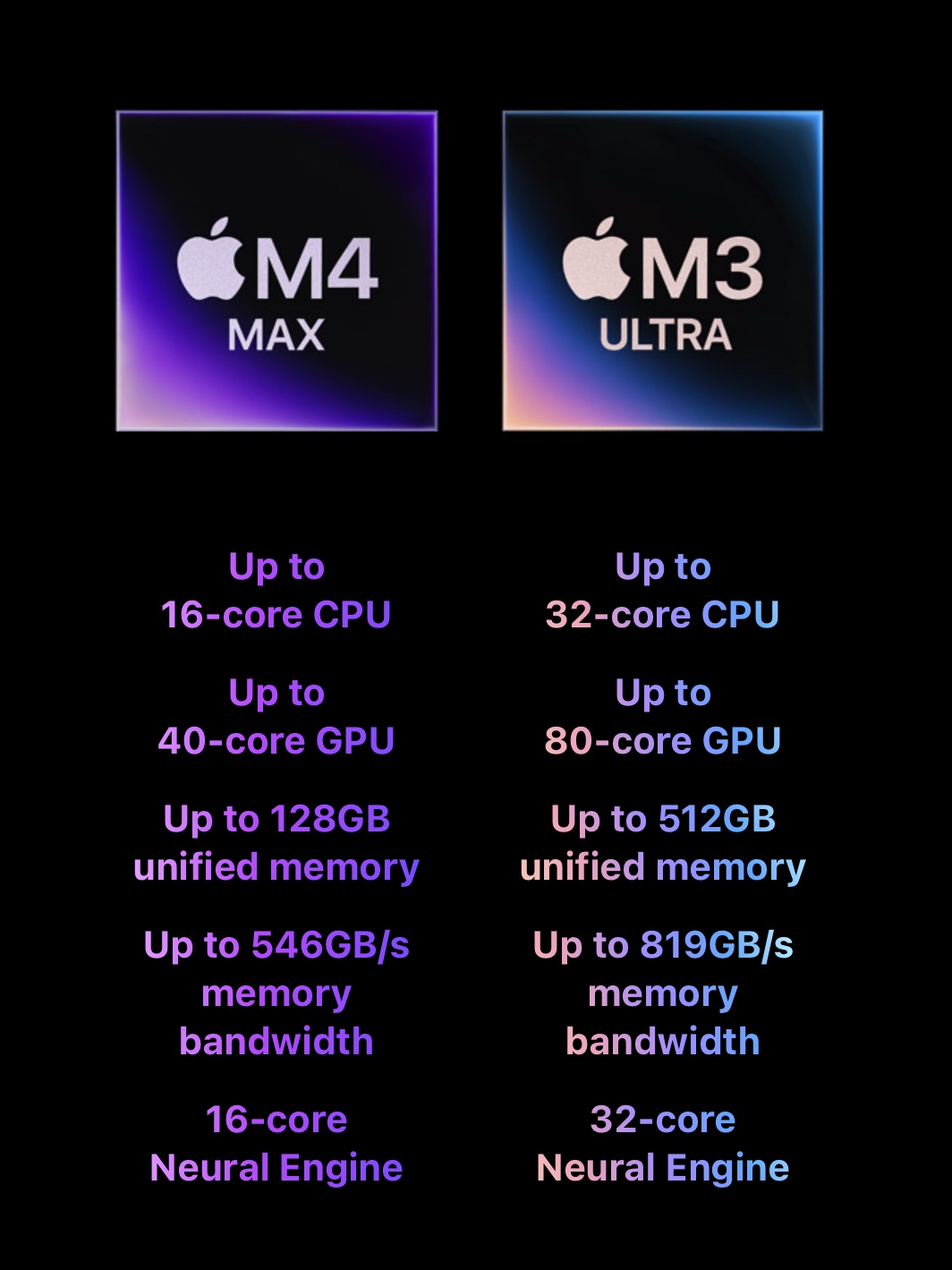
Mac Studio with M3 Ultra
• CPU: 28-core CPU (20 performance cores, 8 efficiency cores)
• GPU: 60-core GPU (configurable up to 80 cores)
• Neural Engine: 32-core
• Memory Bandwidth: 819GB/s
• Unified Memory: 96GB (configurable up to 512GB)
• Storage: 1TB SSD (up to 16TB available)
Both models support Thunderbolt 5, Wi-Fi 6E, and Bluetooth 5.3. The M3 Ultra variant doubles performance by connecting two M3 Max chips via Apple’s UltraFusion technology, making it one of the fastest desktop solutions available.
Professional Use Cases: Where Mac Studio Shines
The Mac Studio isn’t just an expensive desktop—it’s a true workstation built for professionals. Here’s where it stands out:
🎥 Video Editing (DaVinci Resolve, Final Cut Pro, Premiere Pro)
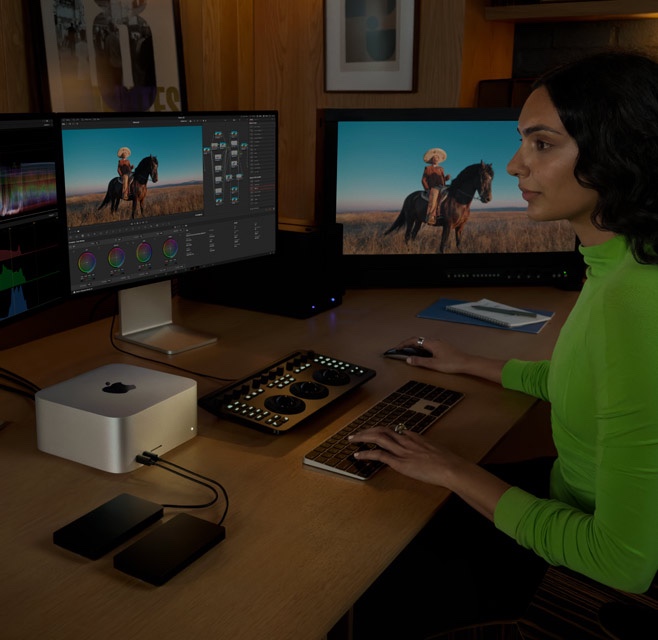
With the M3 Ultra’s 60-core GPU and up to 512GB of unified memory, Mac Studio can handle 8K ProRes video editing with ease, supporting multiple high-resolution streams without rendering delays. Hardware-accelerated encoding for H.264, HEVC, and ProRes makes exporting much faster compared to Intel-based systems.
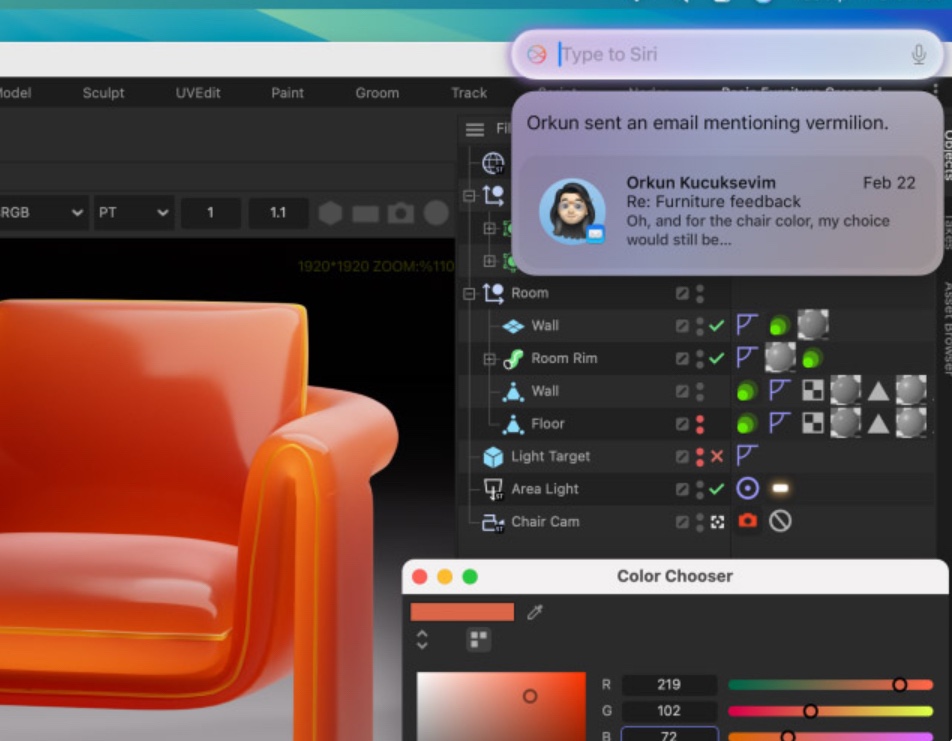
🎨 3D Modeling & Animation (Cinema 4D, Blender, Maya)
Artists working on high-poly models will appreciate 819GB/s memory bandwidth on the M3 Ultra, eliminating bottlenecks when dealing with large textures, simulations, and rendering tasks. Redshift and Octane users can expect near real-time previews thanks to the GPU advancements.
🤖 AI & Machine Learning (TensorFlow, PyTorch, Stable Diffusion)
With Apple’s most powerful Neural Engine yet, AI researchers training deep learning models can benefit from optimized on-device processing. Apple’s custom machine learning accelerators improve inference times for AI-driven tasks.

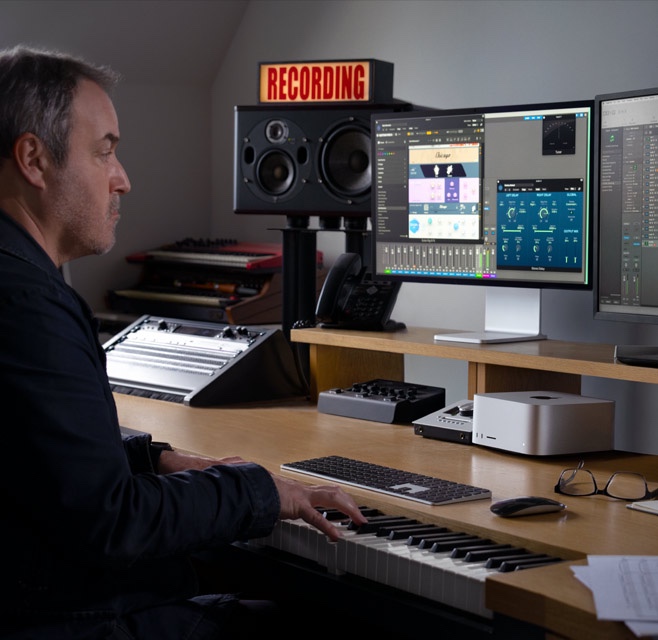
🎼 Music Production (Logic Pro, Ableton Live, Pro Tools)
The high-bandwidth unified memory allows producers to run hundreds of simultaneous audio tracks, complex plugins, and high-fidelity virtual instruments without latency issues.
If you’re a professional working in these fields, Mac Studio isn’t just a purchase—it’s an investment that pays off in efficiency and reliability.
Why Is Mac Studio So Expensive?
It’s easy to look at the $3,999 starting price of the M3 Ultra and wonder, why does it cost so much? The answer lies in three key areas:
1. Apple Silicon Efficiency – Unlike traditional workstations that rely on separate CPU, GPU, and memory modules, Mac Studio integrates everything into one efficient unified architecture, reducing power consumption and boosting performance.
2. Workstation-Grade Performance in a Compact Size – Competing professional desktops, like Dell’s Precision Tower 7960 or HP’s Z8 Fury G5, are bulkier, noisier, and require dedicated cooling solutions, whereas Mac Studio delivers similar power in a silent, compact form factor.
3. Ultra-Fast Memory & SSDs – With up to 512GB of unified memory, Mac Studio eliminates the need for separate VRAM, allowing the CPU and GPU to access memory dynamically, improving efficiency.
For professionals who rely on speed and stability in production environments, the Mac Studio pays for itself in the long run.

Connectivity & Expansion: Thunderbolt 5 Takes Over
Apple continues its pro-focused approach by equipping Mac Studio (2025) with top-tier connectivity:
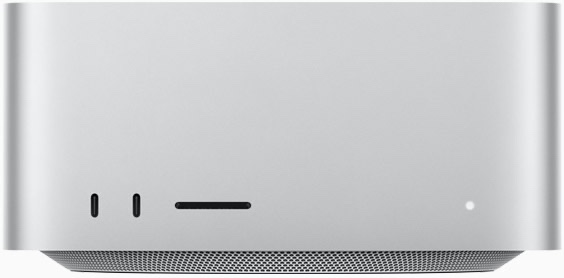
Front Ports:
• 2x Thunderbolt 5 (40Gb/s, up to 120Gb/s in aggregation mode)
• 1x SDXC card slot
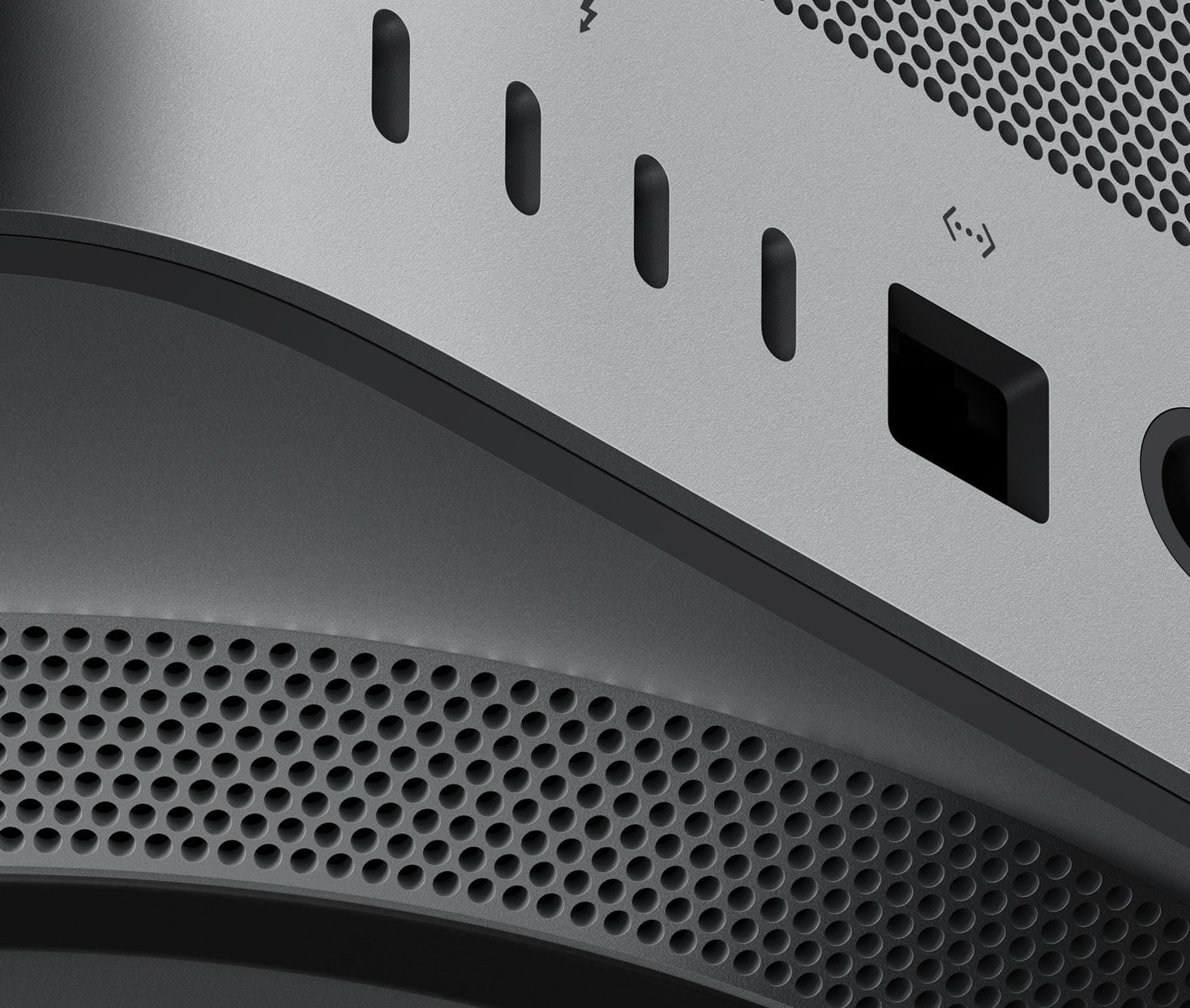
Back Ports:
• 4x Thunderbolt 5
• 2x USB-A
• 1x HDMI 2.1 (supports 8K external displays)
• 1x 10Gb Ethernet
• 1x 3.5mm headphone jack (high-impedance audio support)
With Thunderbolt 5, users can connect up to six Pro Display XDR monitors, creating the ultimate multi-monitor workflow.
Price & Availability
• Mac Studio with M4 Max: $1,999
• Mac Studio with M3 Ultra: $3,999
💡 Pre-orders are live now, with shipping starting on March 12, 2025.
📍 Buy directly from Apple: apple.com/mac-studio