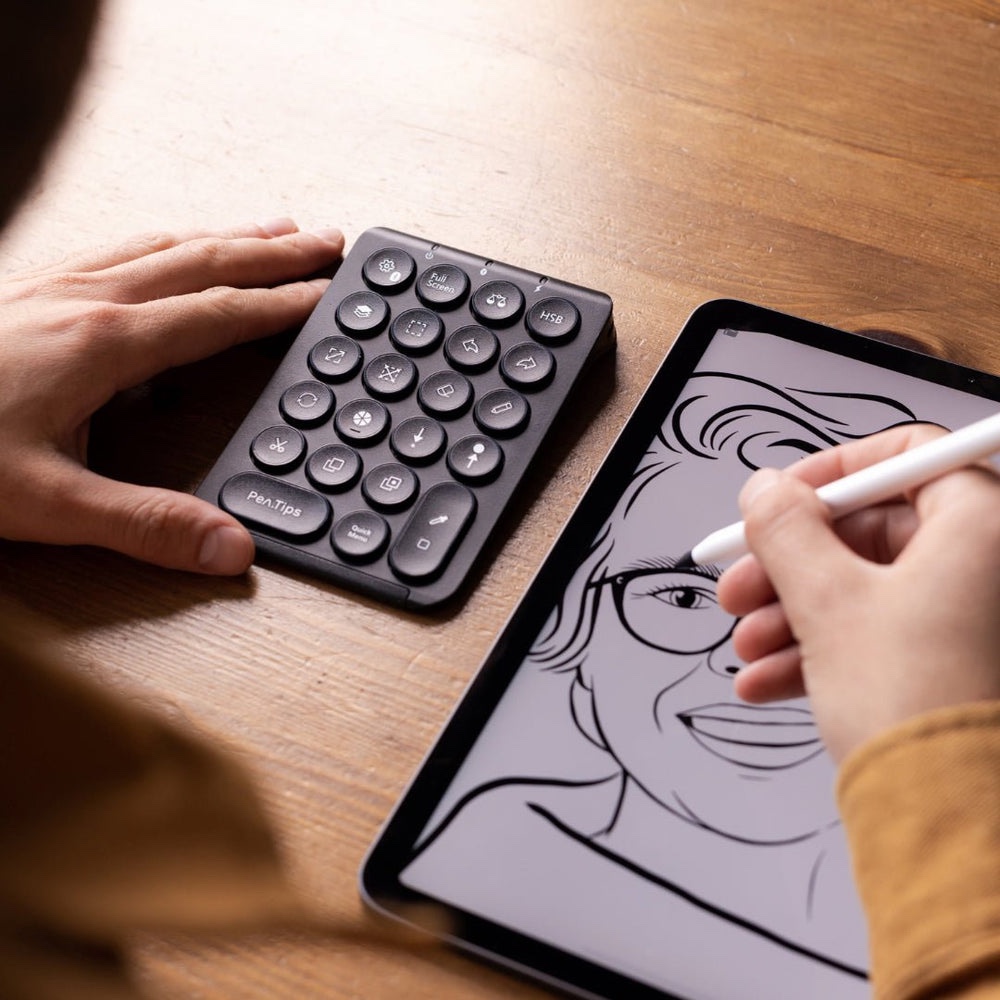
I’ll be honest. I never thought I needed a separate panel just to draw better in Procreate. I was fine. My hand was fine. My workflow? Decent. Until I tried the PenPad. Then I realized: I wasn’t drawing — I was managing.
This thing? It’s like someone took my most-used Procreate gestures, baked them into a physical slab of magic, and said: “Now go create.”
Spoiler: I did. And I’m not going back.
Key Features
• Compatibility: Works exclusively with Procreate for iPad
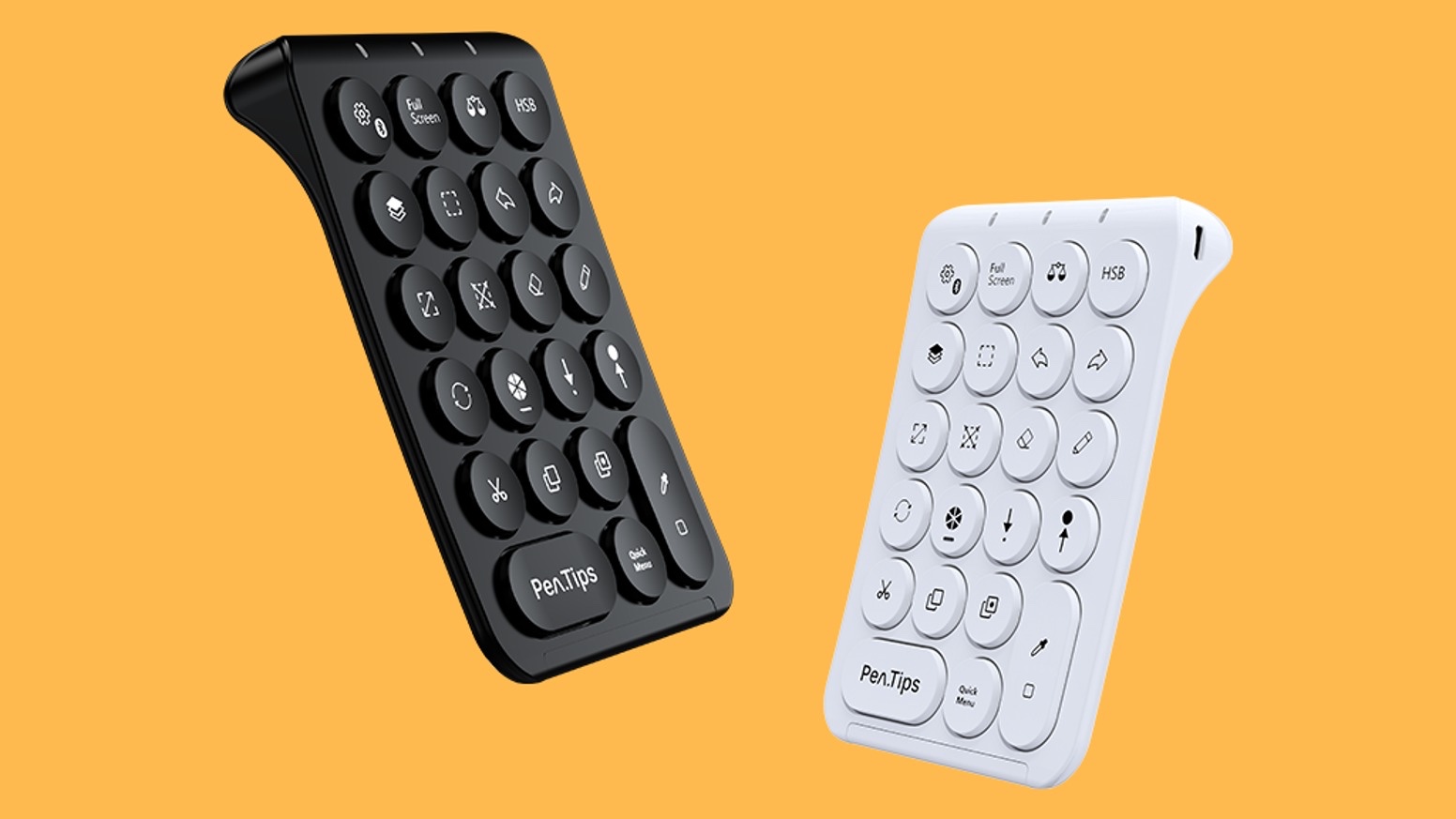
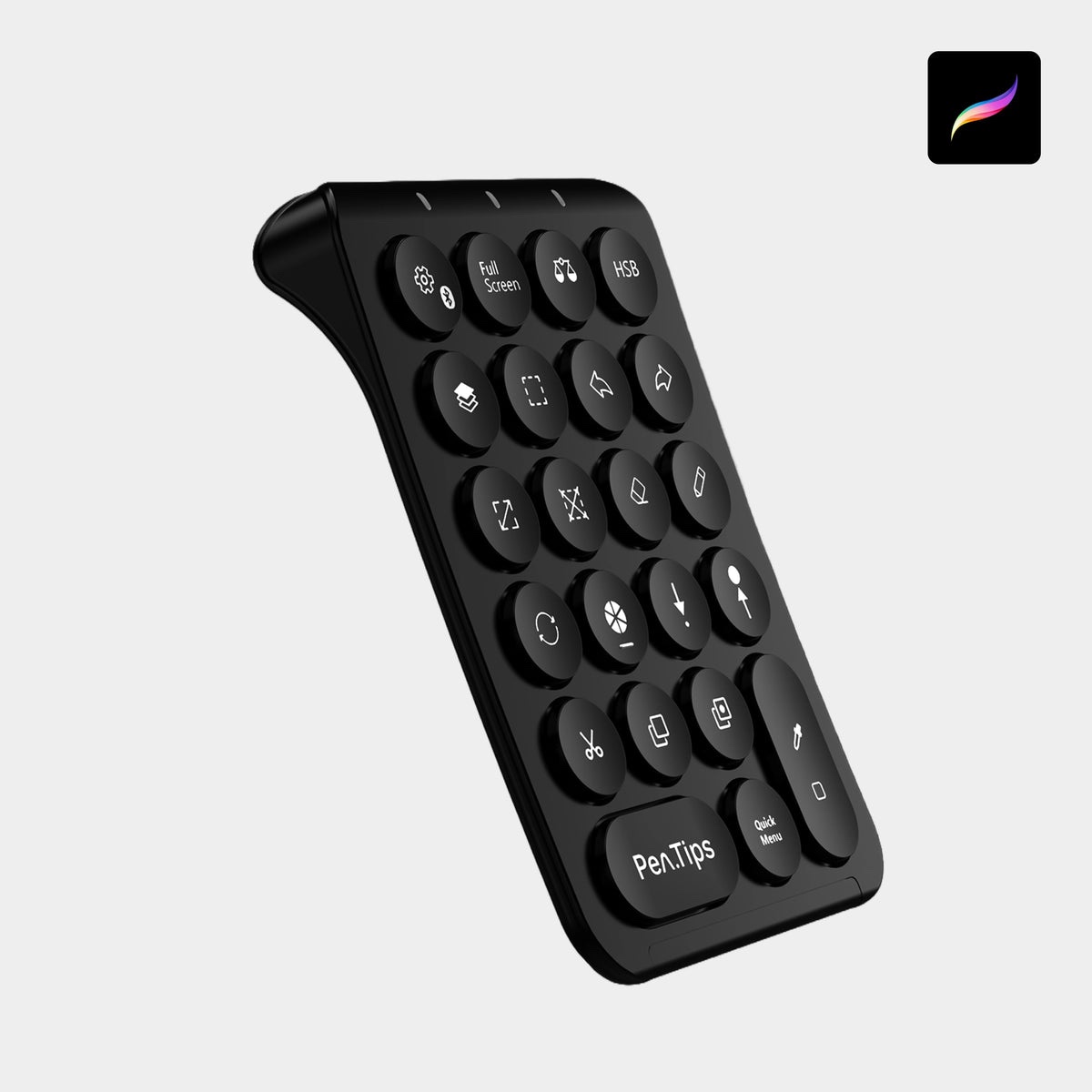
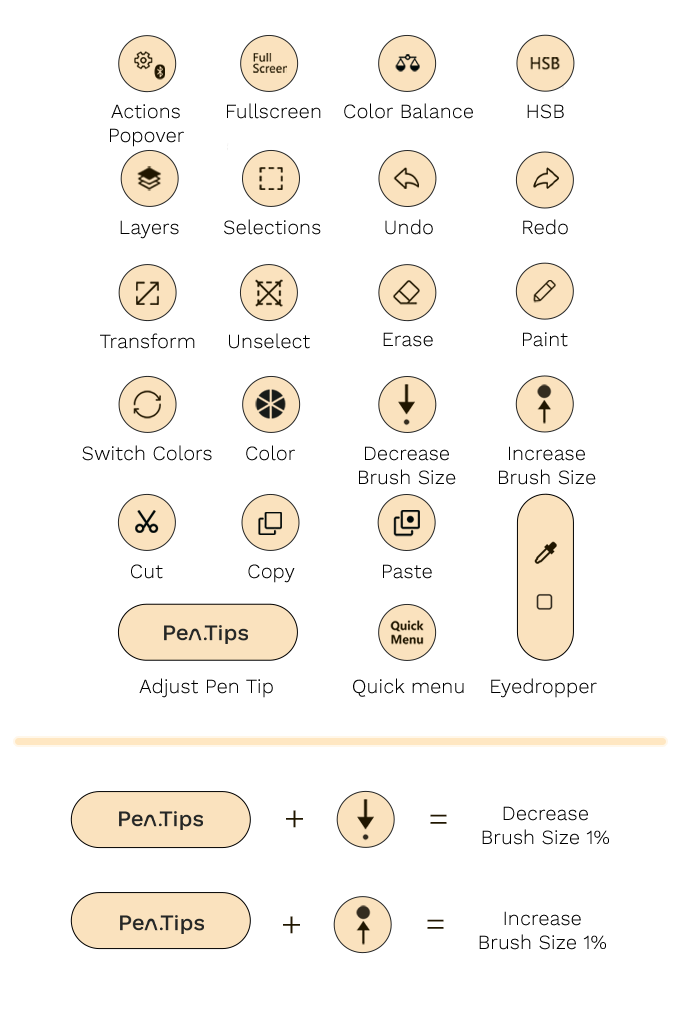
• Buttons: 23 pre-set shortcut buttons
• Connection: Bluetooth (wireless)
• Power: Rechargeable battery via USB-C
• Materials: Matte-finished plastic
• Weight: 110 g
• Dimensions: 16 cm x 9 cm
• Color Options: Black or White
• Intended Use: iPad with Apple Pencil (not iPhone)
Why These Specs Matter
Let’s break it down.
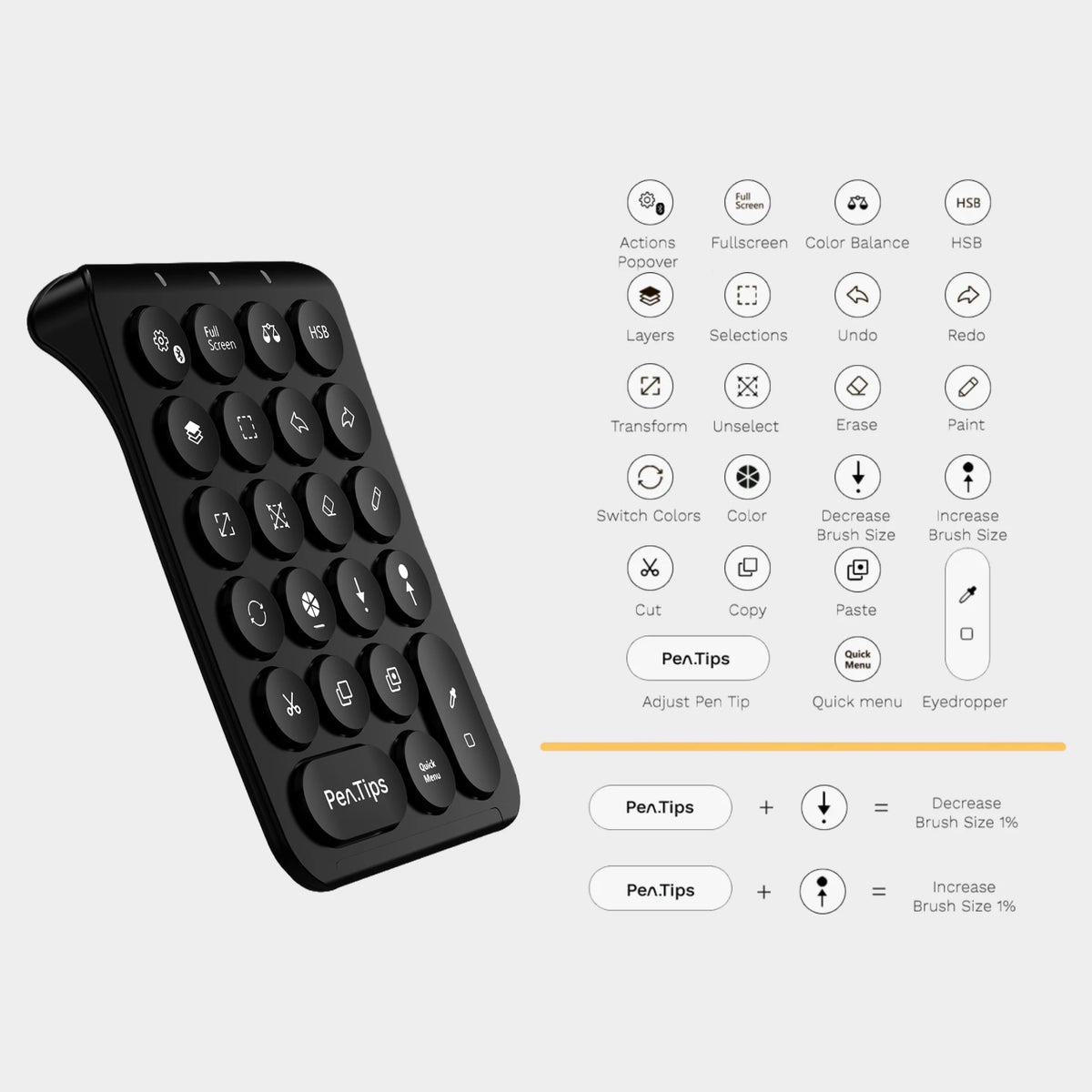
That 23-button layout isn’t just a gimmick — it’s carefully mapped to the most frequent actions in Procreate: Undo, Redo, Fullscreen, Brush Up/Down, Smudge, Eyedropper, and more.
The buttons are soft-click, but tactile. It feels somewhere between a mechanical keyboard and a MacBook key. Add Bluetooth pairing and long battery life, and the PenPad becomes a set-it-and-forget-it kind of tool — the best kind, if you ask me.
If you’re used to gestures, this feels like a shift. But once muscle memory kicks in? You fly.
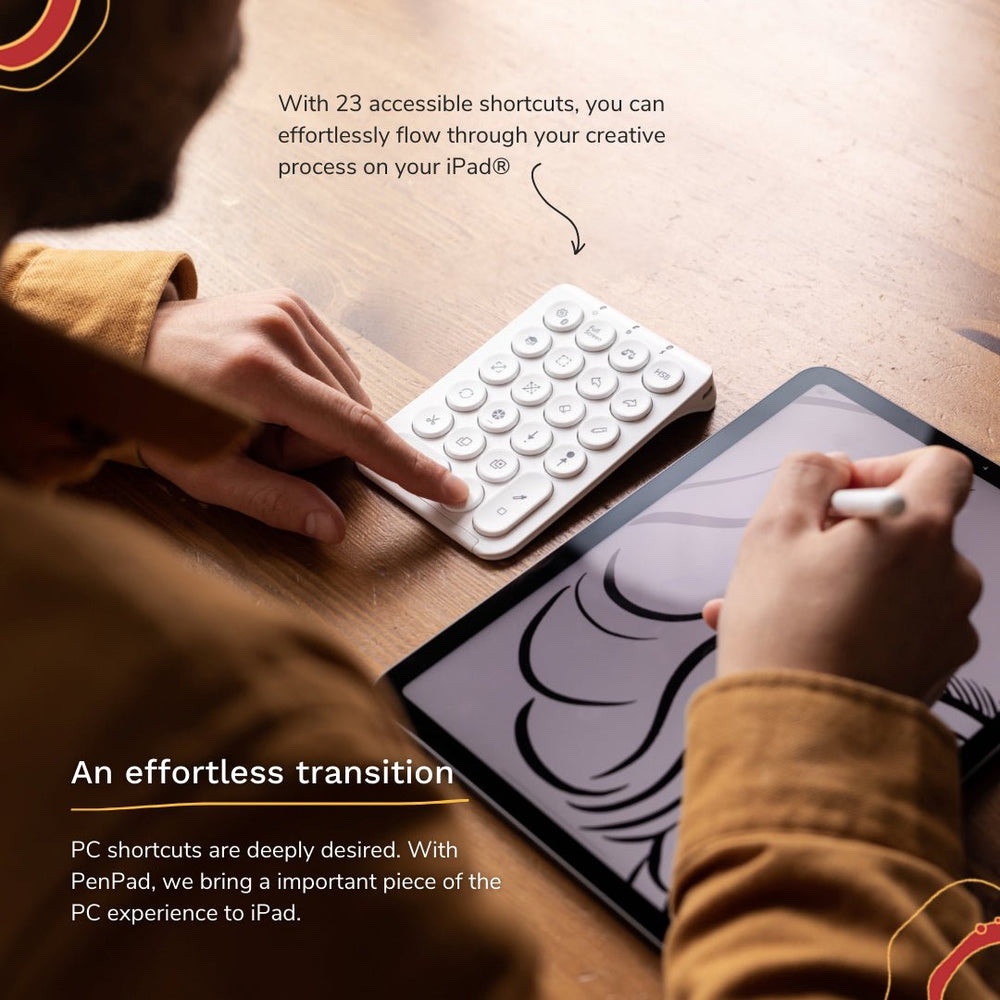
Designed for the Flow: Buttons, Build, and Vibe
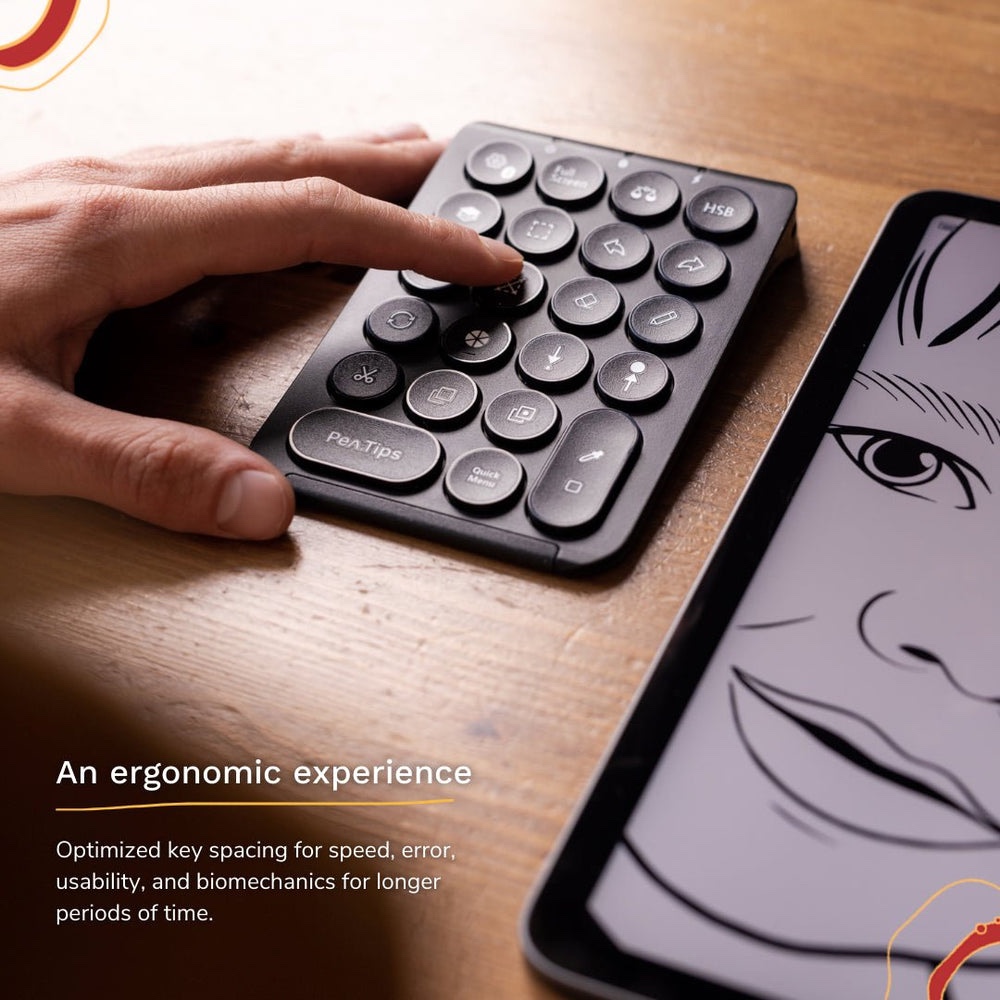
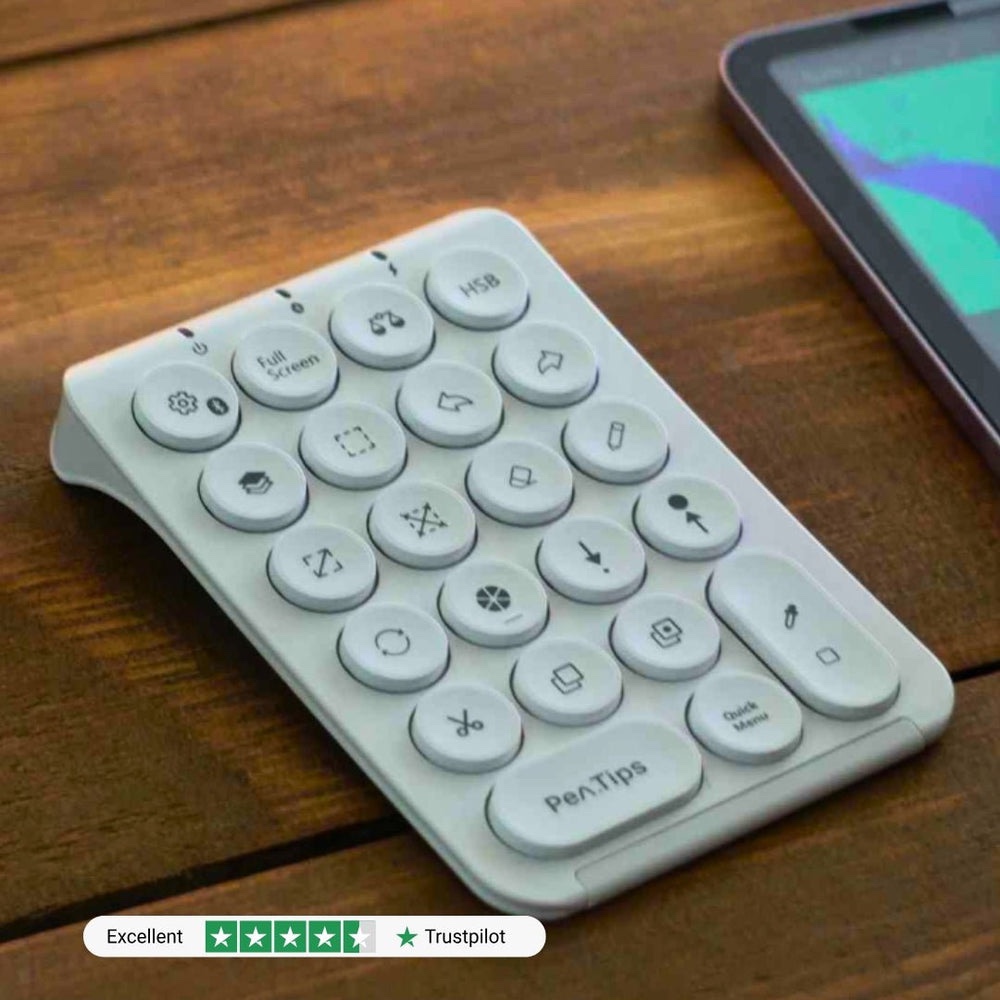
Let’s talk materials. The matte plastic shell feels surprisingly premium. It’s solid, grippy, and resists fingerprint smudges — unlike my iPad.
The layout is grid-based with laser-etched symbols that won’t fade over time. Each button is slightly raised so you can use it blindly — no need to look down once you’ve mapped your finger memory.
A small LED lets you know it’s paired, and the power button is tucked in the back where it won’t be accidentally pressed. Overall? Clean. Efficient. Very Scandinavian design energy — and yes, I’m into it.
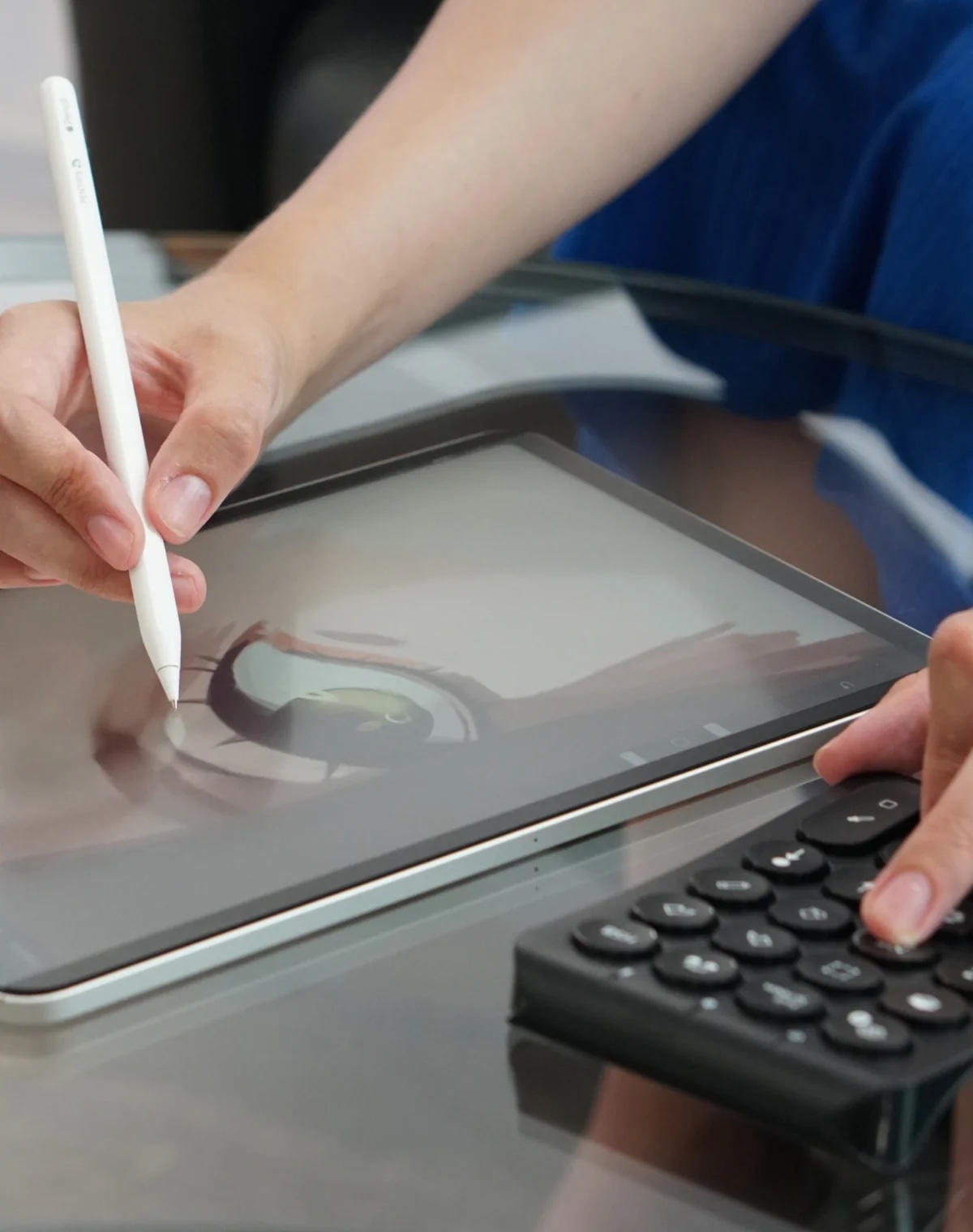
Real-World Use: One Week With PenPad
I threw this into my bag along with my iPad Pro and started testing it in cafes, studios, even on a flight.
Drawing felt faster. Smoother. I was less distracted. No accidental pinches, no tap-and-hold weirdness. Just art.
My favorite moment? Hitting Fullscreen and watching the interface vanish. I had nothing but canvas. Pure focus. You can’t buy that kind of satisfaction… unless, well, you buy this.
Bonus: It fits right in my iPad sleeve. No bulk. No wires. Pure elegance.
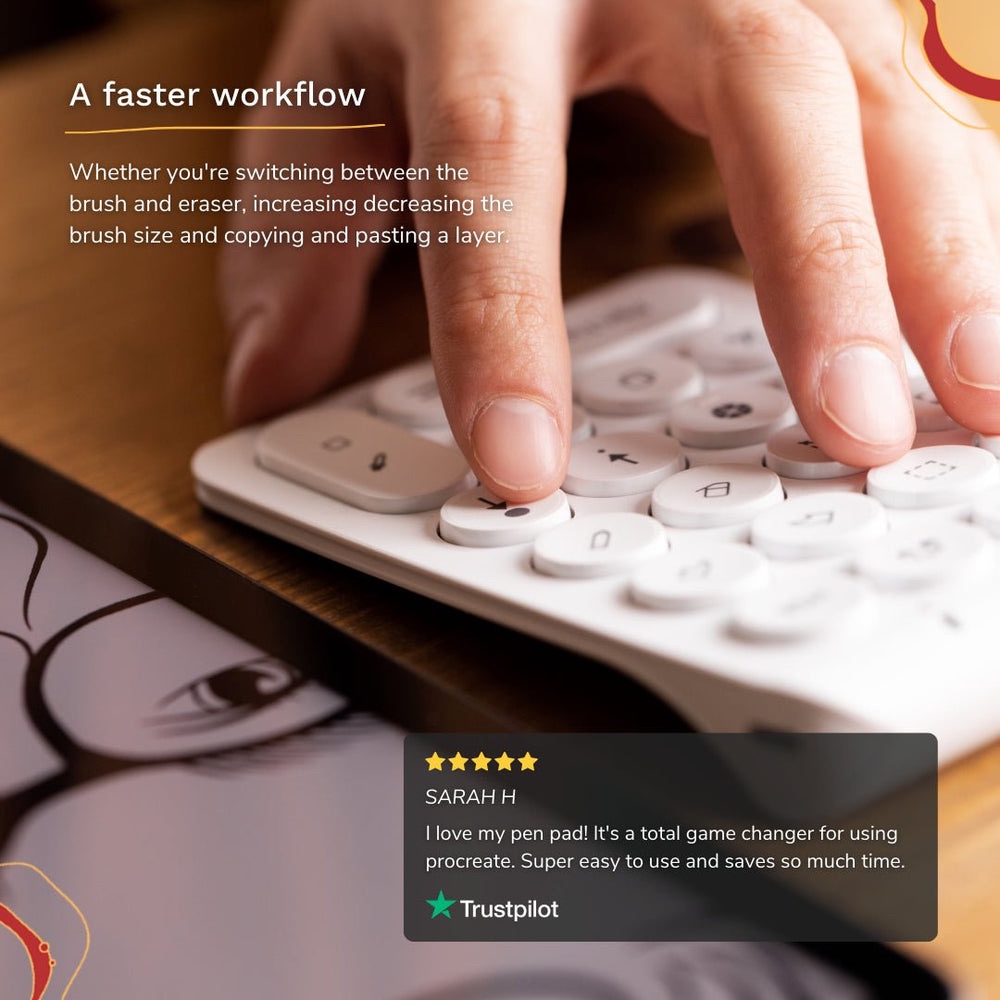
Price and Availability
Price: €109.99
Buy from:
• Ships worldwide, including EU, US, UAE and Asia
How It Stacks Up
PenPad vs. TourBox Neo
• TourBox Neo: Designed for creatives too — but focused on desktop apps like Photoshop and Lightroom. It’s larger, more customizable, but clunky for iPad-only workflows.
• PenPad: Tailored for iPad artists. No setup required, no reprogramming — just connect and go. But it only works with Procreate.
Verdict: If you’re all-in on Procreate, PenPad is a dream. If you’re juggling Adobe apps on desktop, TourBox might serve you better.
What Others Say
“This shortcut panel is the best thing to happen to Procreate since the Apple Pencil.” — Creative Bloq
“I didn’t think it’d change my workflow this much. Now I can’t draw without it.” — Reddit user @pixelcore
FAQ
• Can PenPad work with other iPad apps?
No — it’s built specifically for Procreate. Other apps aren’t supported.
• Can I customize the shortcuts?
No — the 23 buttons are pre-programmed and cannot be re-mapped.
• Does it work with iPhone (Procreate Pocket)?
Partially — but many buttons won’t function properly.
• How long does the battery last?
Roughly 6–8 days of daily use. Charges via USB-C.
Final Verdict
If you’re a professional or frequent digital artist on Procreate, PenPad is a silent productivity weapon. It doesn’t try to be everything. It just makes one thing — drawing — better.
Once you go button-based, you won’t want to gesture again.
Rating: 4.5 / 5
4.5 / 5