Is it a lamp? A status sign? A productivity sidekick? Turns out, it’s all three — and a little bit of magic.
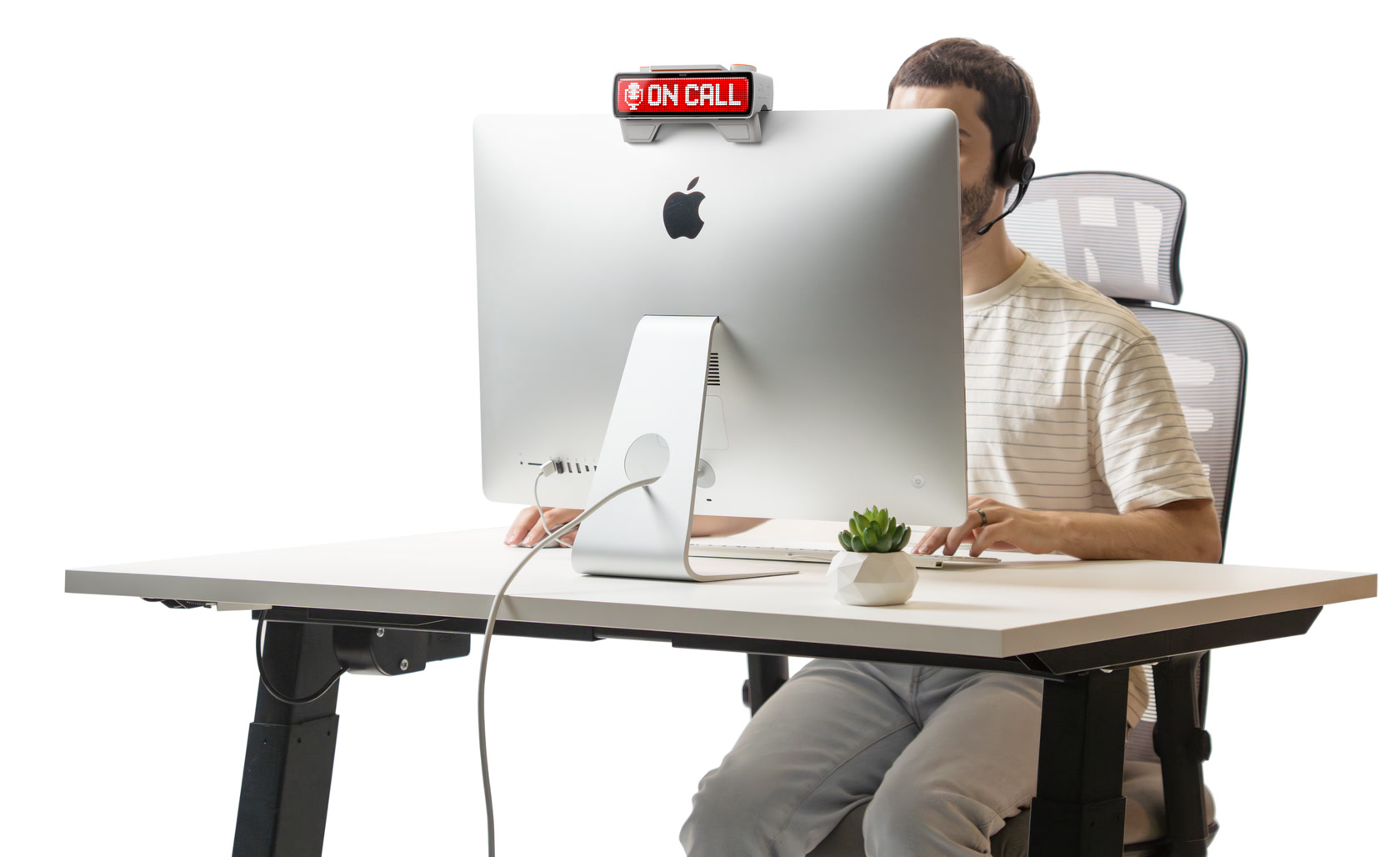
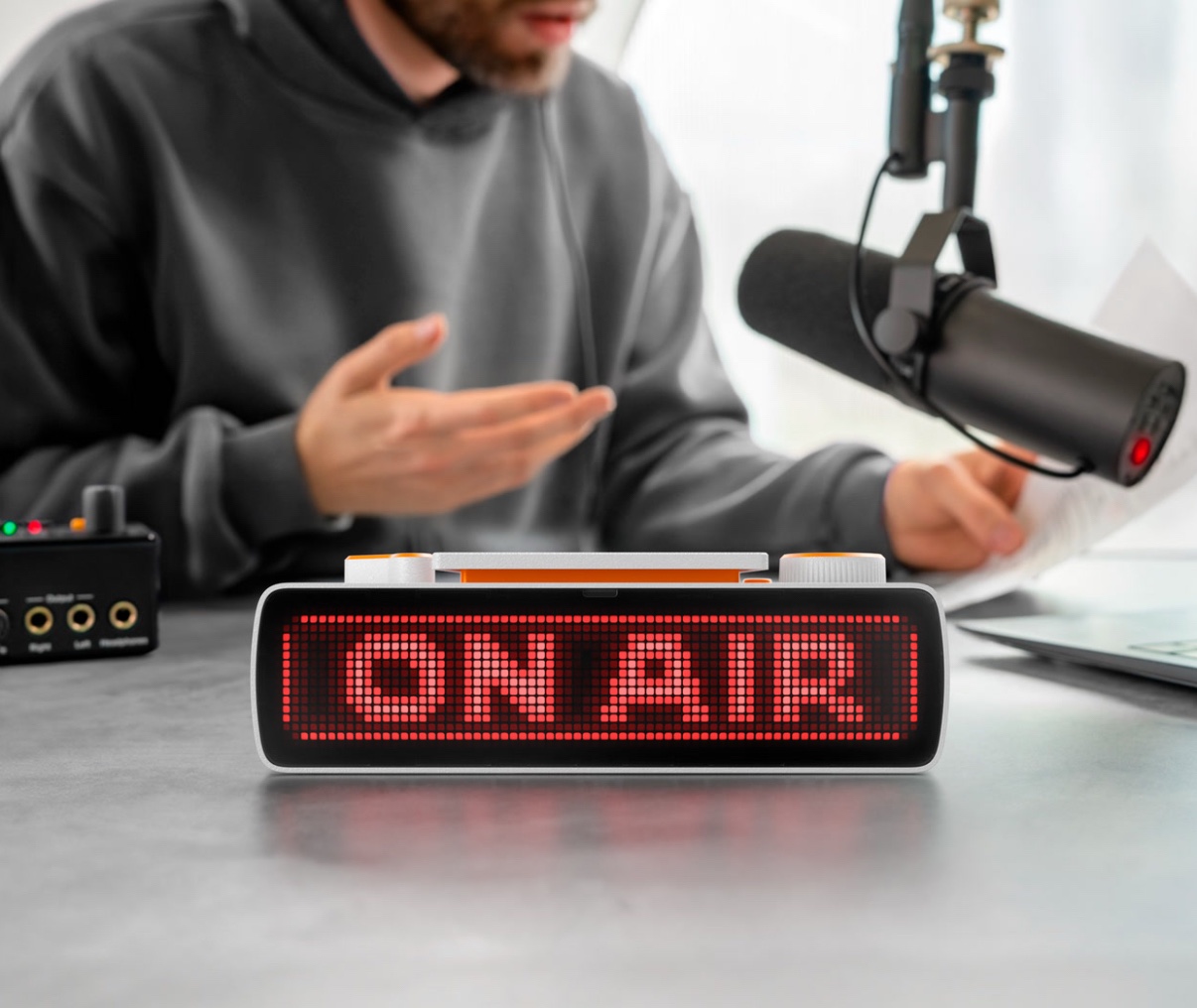
Let’s be honest — we’ve all been there. You’re deep in a Zoom call, crushing your third cup of coffee, when someone barges in with “Just a quick question…” Enter Busy Bar, the slick, programmable light bar that speaks volumes with colors. It’s made for remote workers, streamers, developers, and anyone who needs a visual shield against interruptions.
This isn’t just another RGB strip — Busy Bar syncs with your apps, knows your status, and beams it to the world. Whether you’re in a meeting, coding deep, or finally taking a break, it tells others visually what’s up — no awkward hand gestures required.
Specs & Features
• Dimensions: 10” wide, ultra-slim form factor
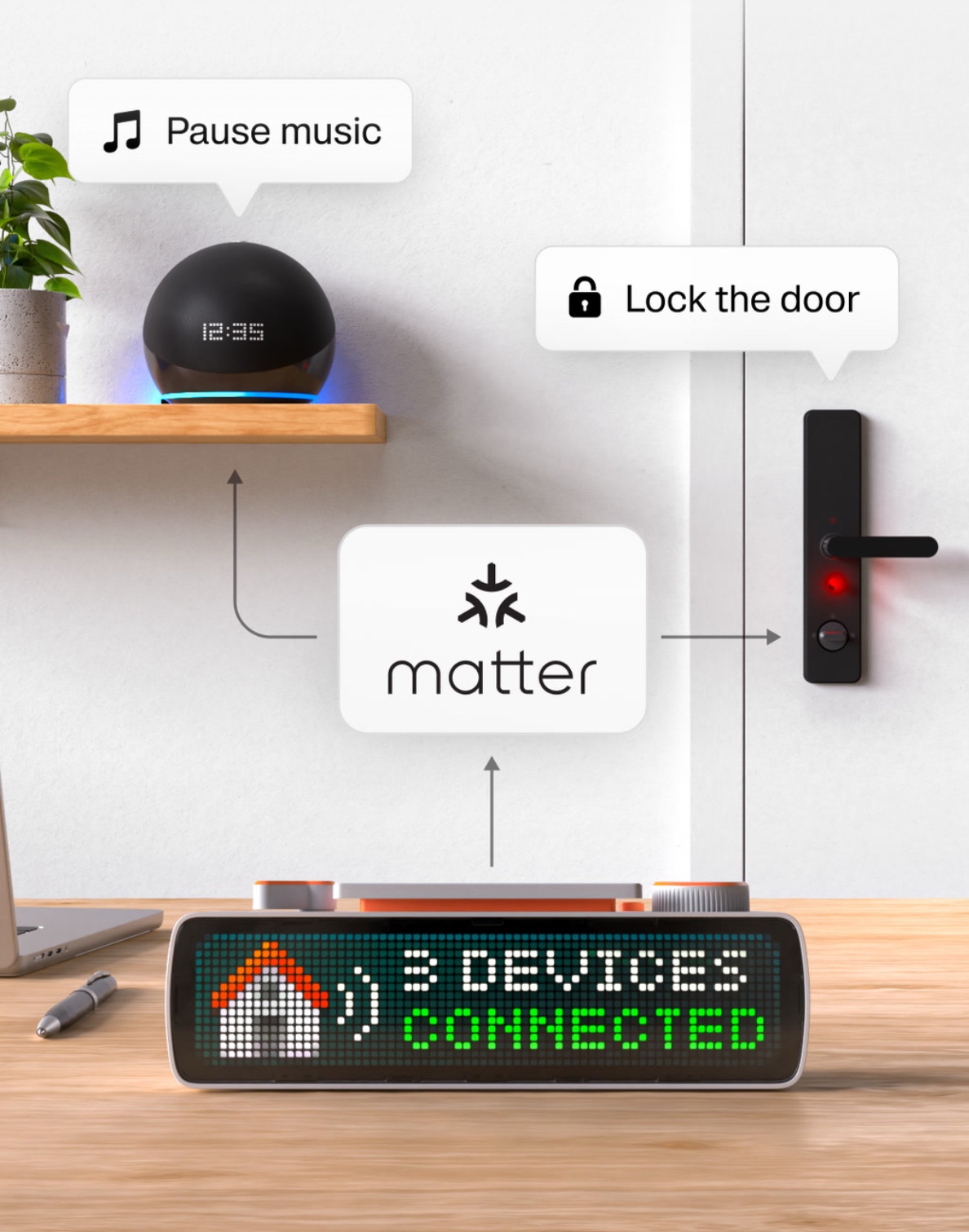
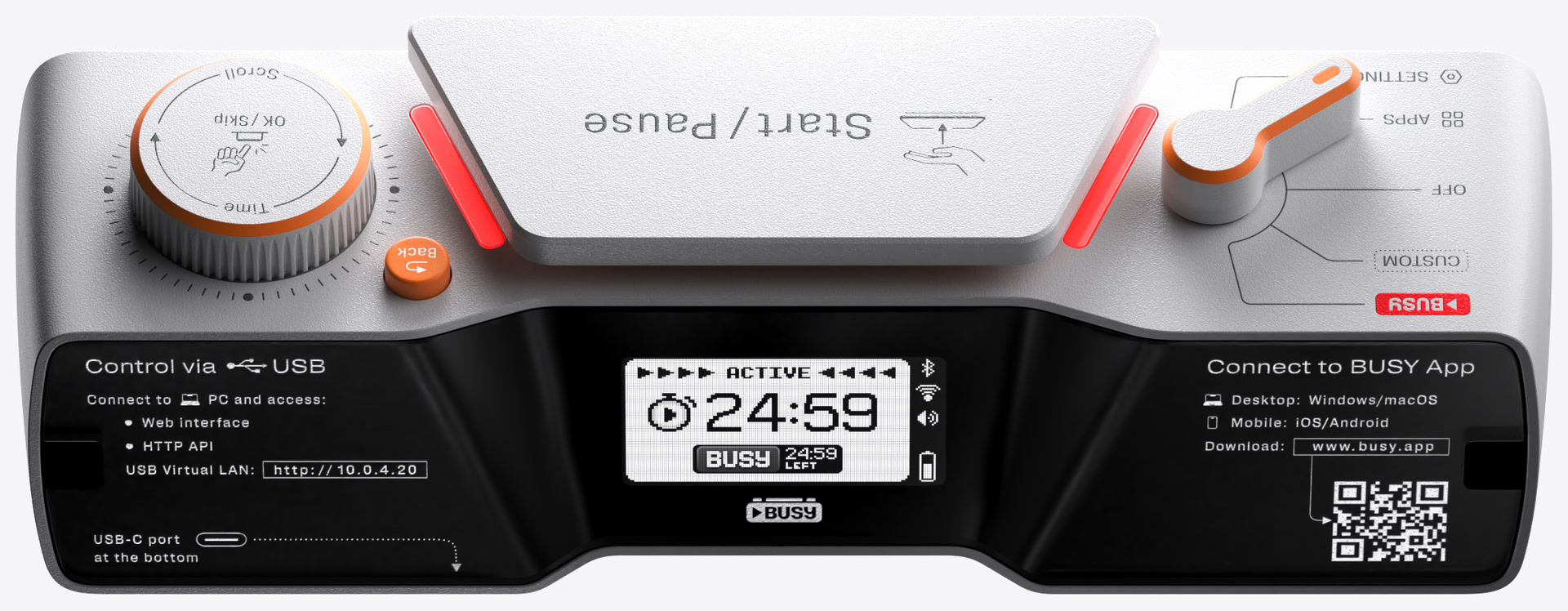
• Connectivity: USB-C, Wi-Fi enabled
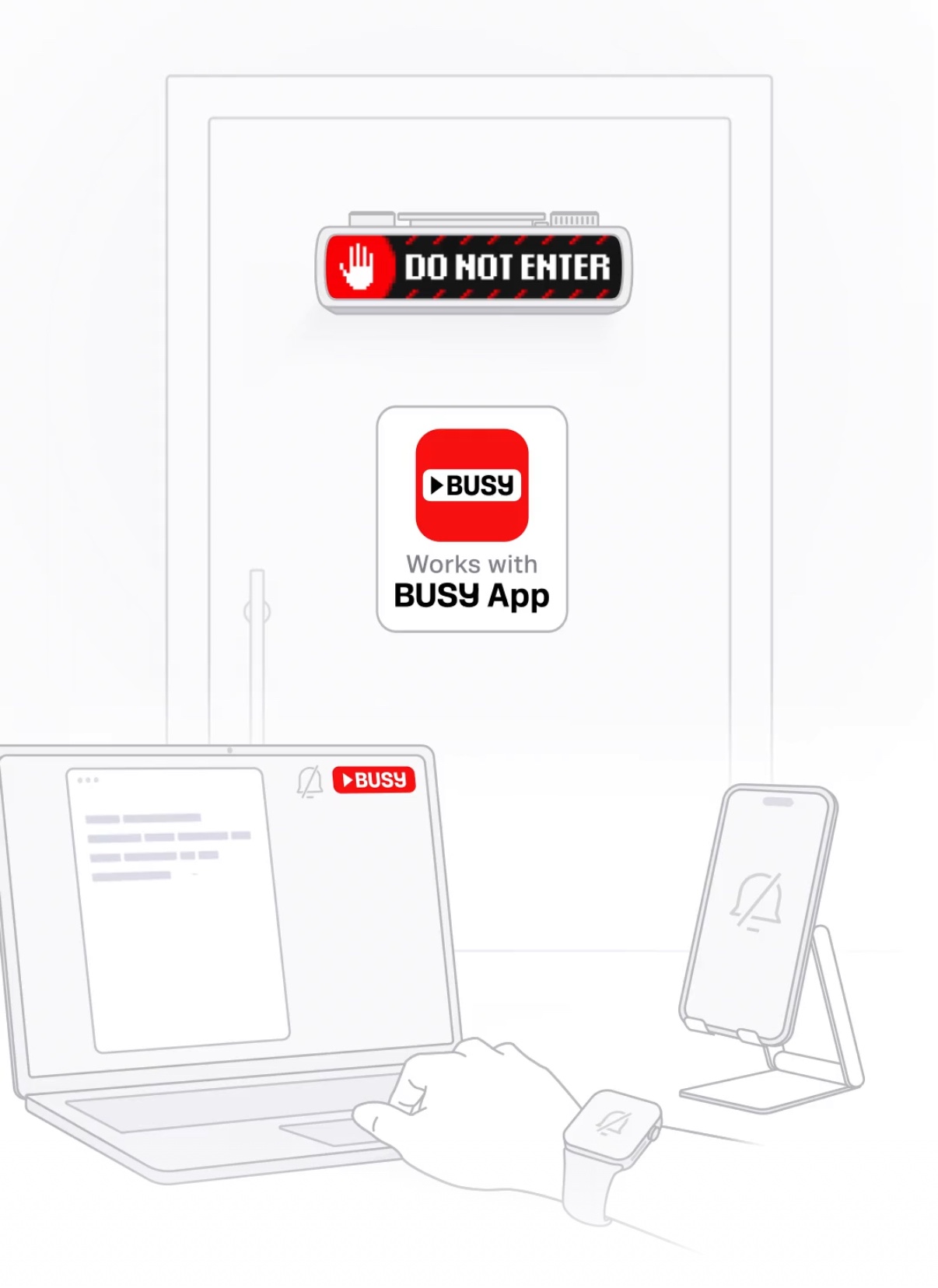
• Compatibility: Zoom, Google Meet, Microsoft Teams, Slack, Google Calendar, Outlook, and more
• Control App: Web dashboard + mobile (beta)
• Light Modes: RGB with customizable animations and color schemes
• Mounting Options: Magnetic mount + adhesive strip
• Power Source: USB-C powered (plug into computer or outlet)
• Materials: Anodized aluminum housing, acrylic light diffuser
• Updates: OTA firmware updates for new integrations
• Made in: Portland, Oregon
What Makes Busy Bar Tick
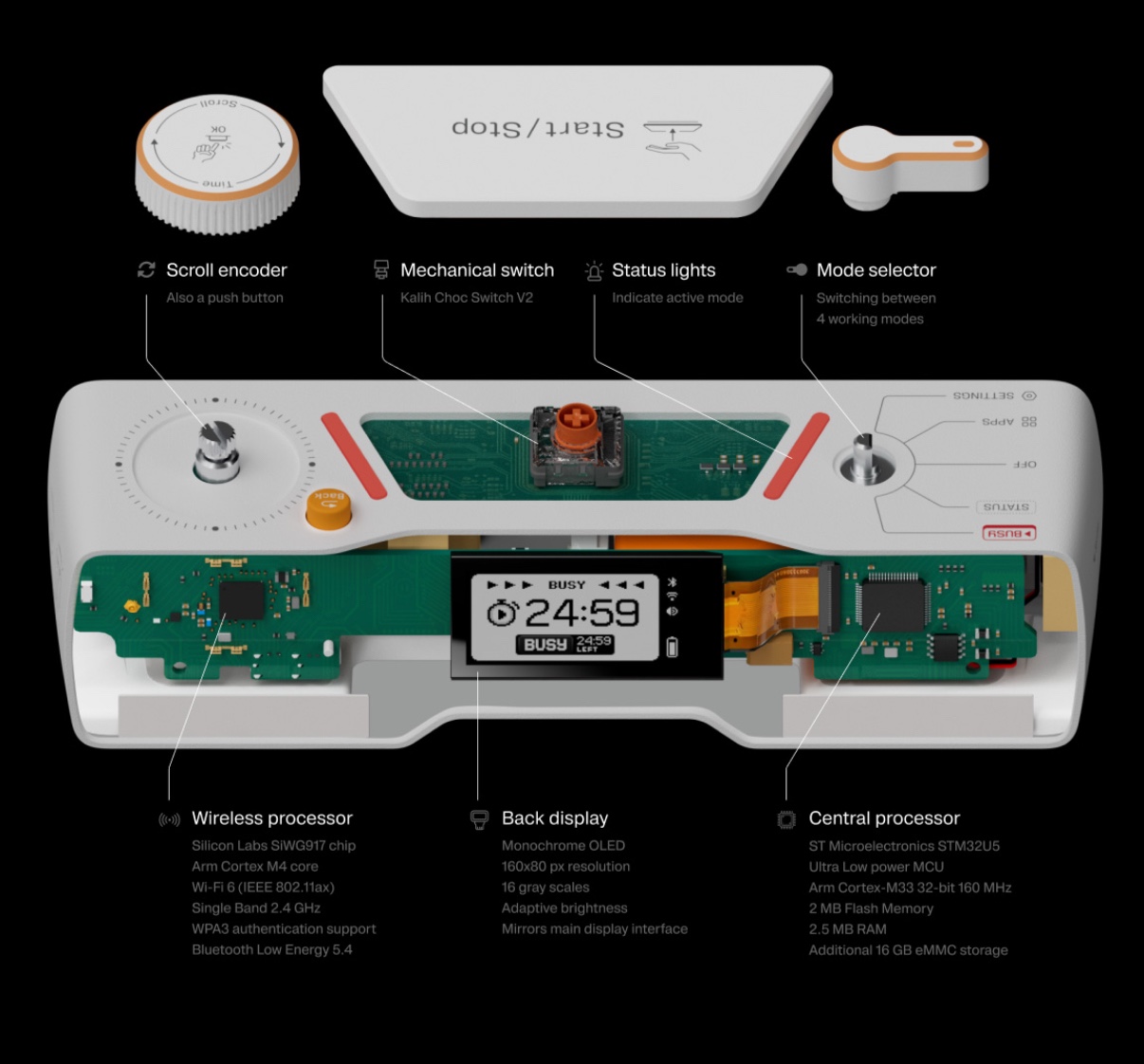
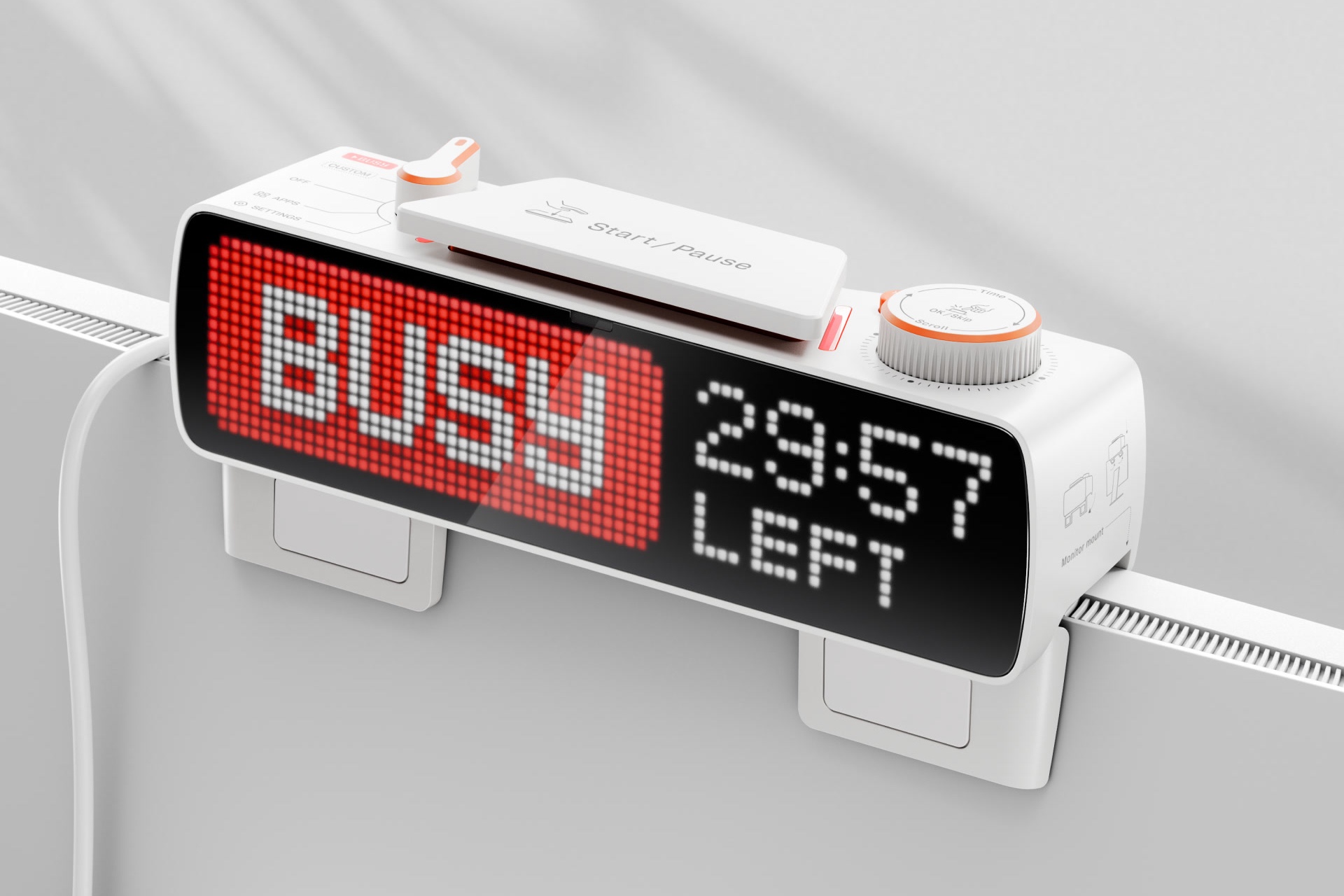
At its core, Busy Bar is a smart status light with brains. Through simple integrations, it listens to your calendar, Slack presence, or meeting activity and adjusts its color accordingly. Red when you’re in a call, green when available, purple for focus — it’s programmable down to the pixel.
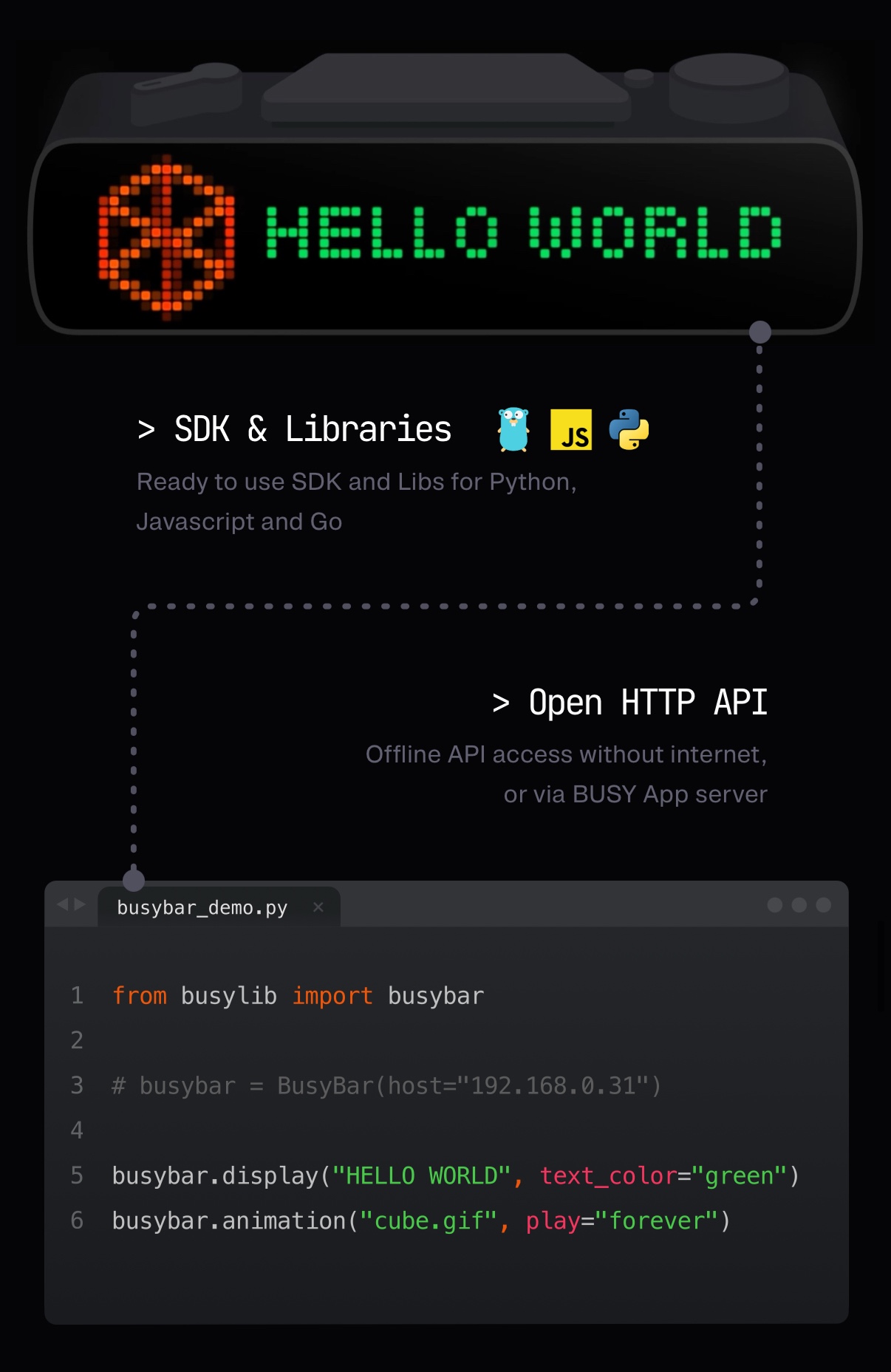
Setup is shockingly simple. Plug it in, go to the web dashboard, link your accounts, and that’s it. The real charm is in its subtlety — the light animations are smooth, stylish, and readable from across the room.
I personally set mine to pulse orange when I’m deep writing, flash red on calls, and glow blue when I need a break. It quickly became part of my workflow — and my family finally stopped guessing whether I’m “actually busy.”
Design That Works (and Looks Good Doing It)
The design is quietly premium. Anodized aluminum gives it a solid, almost Apple-like feel. The light diffuser is evenly lit and gorgeous, with no hot spots or flicker.
On the back, you’ve got a clever magnetic strip that attaches to doors, monitors, or even your fridge. The USB-C port is centered, so cable management is clean whether you place it horizontally or vertically.
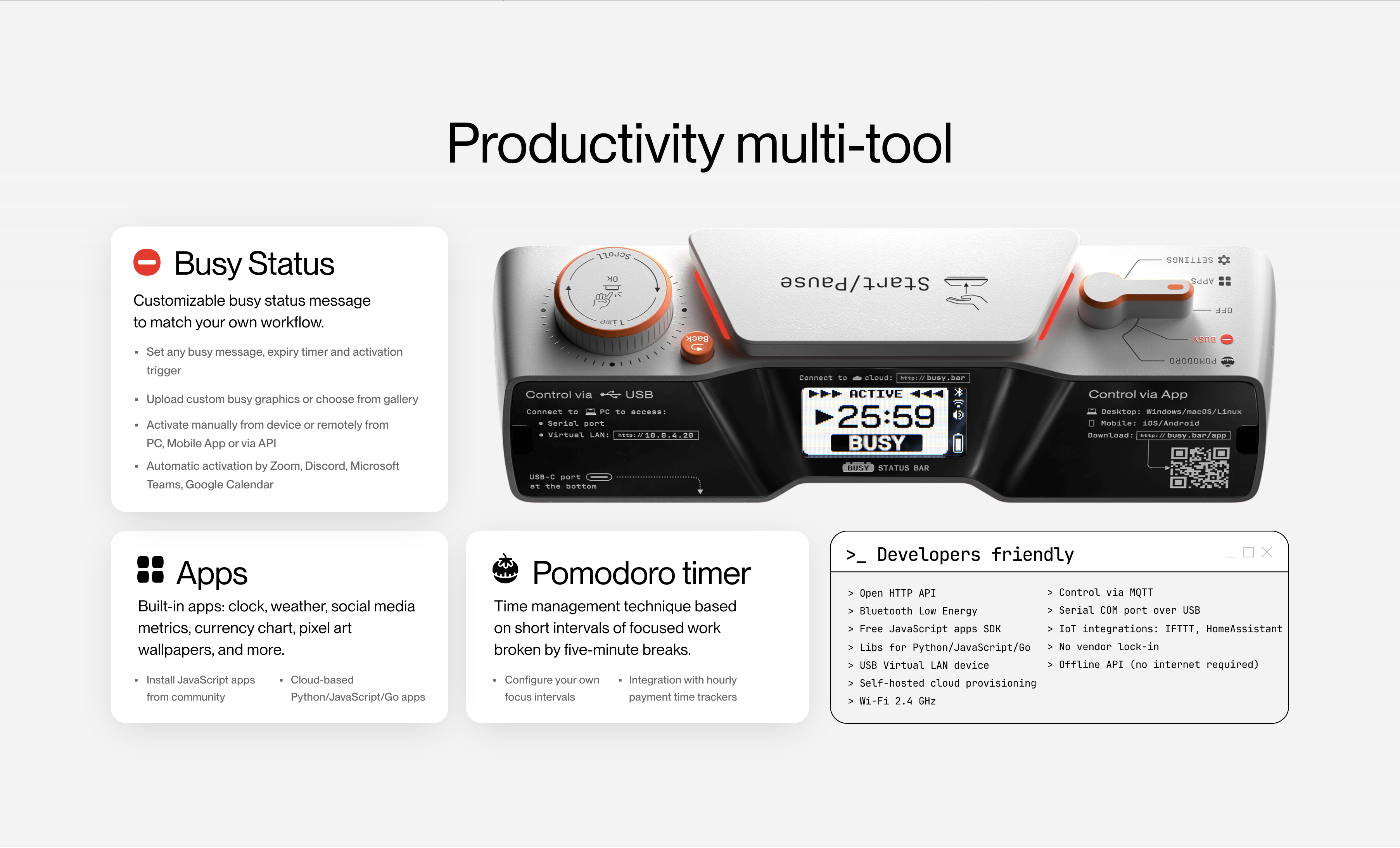
There are no physical buttons — everything is controlled via the web app. It’s minimalist to the core.
Real-World Testing
I used Busy Bar for a full week in my home office — and it quickly became an essential.
During calls, I no longer had to say “hold on” while muting and waving off interruptions. When I was in flow mode, I set it to “Do Not Disturb” with a slow purple pulse — it reduced distractions a lot. And when I wanted to go grab lunch, a cheerful green let the house know I was free to chat.
My favorite trick? Linking it to Slack. If I go idle for 10 minutes, the bar auto-switches to “Away.” Productivity meets peace of mind.
How It Stacks Up
• BusyBox S — similar concept but more analog. It has a physical slider and sign. Cute, but less dynamic.
• Luxafor Flag — another USB status light. Smaller and cheaper, but more plasticky and not nearly as elegant.
Verdict: Busy Bar is the most polished and “invisible” solution. Perfect for grown-up setups.
What Others Say
“This is the most beautiful and functional Do Not Disturb light we’ve tested.” — The Verge
“I hooked it up to Google Calendar and now my whole team can see if I’m in flow — from across the office.” — Reddit user
FAQ
• Does Busy Bar work with macOS and Windows?
Yes — it’s OS-independent since everything runs via browser.
• Can I mount it without damaging the wall or door?
Yes, it uses a magnetic base with optional adhesive pads.
• Does it support custom light presets?
Absolutely. You can create unlimited modes and assign them manually or by trigger.
• Is it portable?
Technically yes, but it’s designed to be stationary in an office or studio.
Price & Availability
Price: $129 USD
Available from:
• Official store: https://busy.bar
• Currently not available on Amazon or retail stores
• Ships worldwide from the U.S.
Final Verdict
Busy Bar isn’t just a light — it’s a boundary-setting tool disguised as modern art. It helps remote workers stay focused, avoid awkward interruptions, and build better work-life rituals. Yes, it’s a niche product. But if your workflow depends on deep focus or scheduled calls, this bar pays for itself in peace.
Rating: 4.7 / 5
A sleek, functional, and surprisingly delightful addition to the modern desk.
4.7 / 5