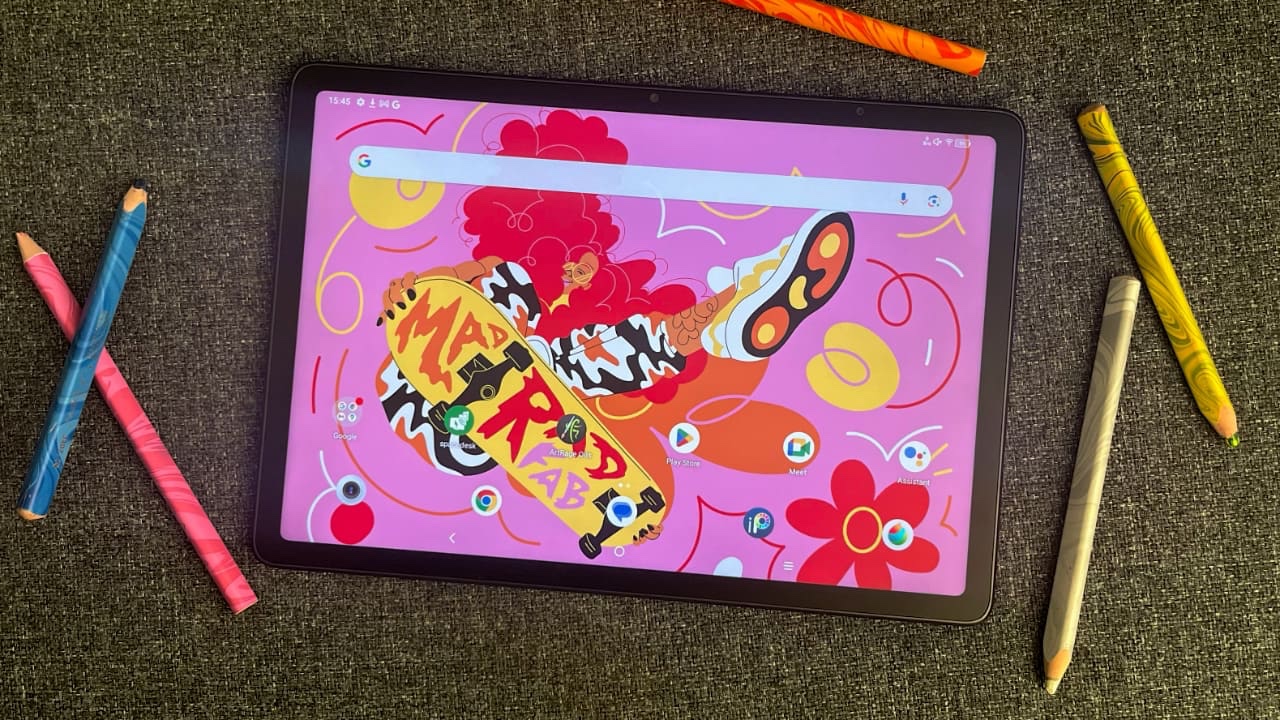
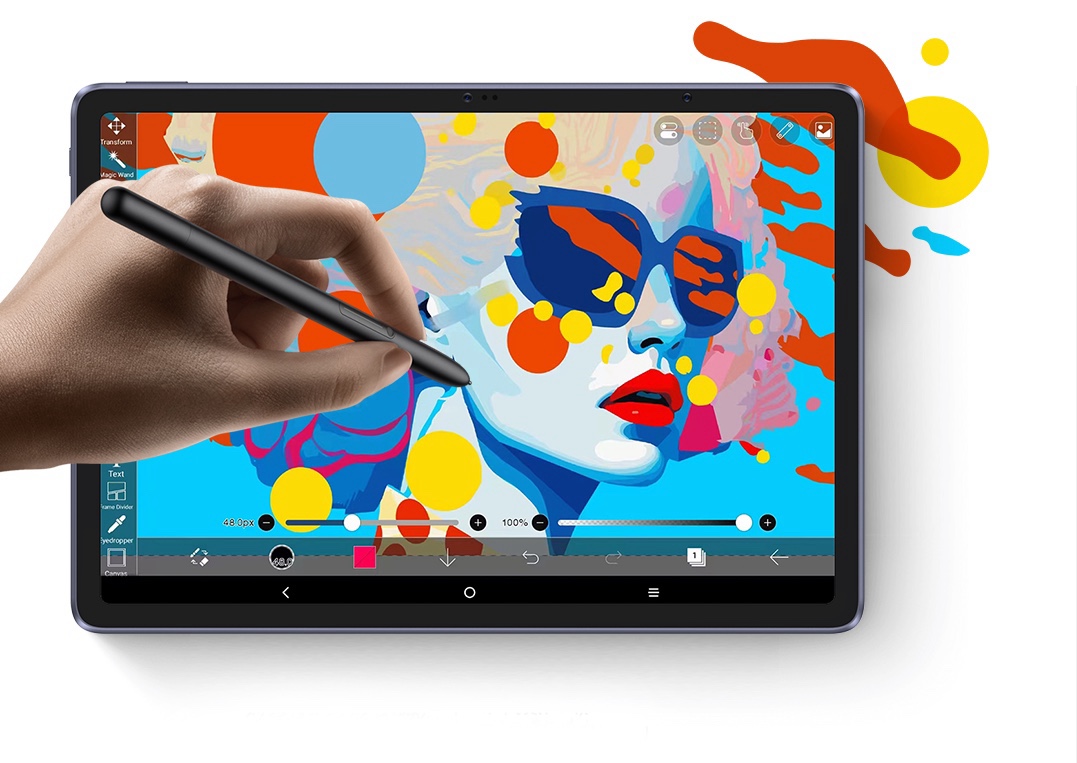
Sketch with 16K pressure sensitivity on a display that feels like real paper. The XPPen Magic Note Pad is not your average e-ink device — it’s a digital notebook built for serious creatives.
Introduction: The Sketchbook That Thinks Like You
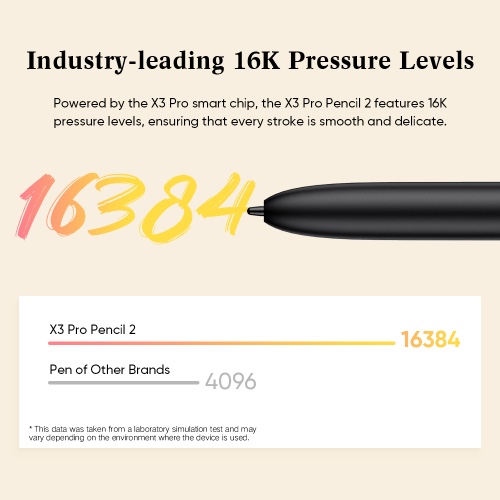
Hey artists — tired of digital tablets that feel cold and clinical? The XPPen Magic Note Pad is a breath of fresh (and paper-scented) air. It combines paper-like E-Ink display, a revolutionary X3 Pro stylus with 16384 pressure levels, and seamless sync to your phone — all in a lightweight, notebook-like body.
It’s not trying to be a computer. It’s here to be your idea incubator, your on-the-go sketchbook, your zen space for focused creativity. And trust me, it delivers.
Specifications
• Display: 10.3-inch E-Ink display
• Resolution: 1872 × 1404 pixels (227 PPI)
• Stylus: XPPen X3 Pro Stylus
• Pressure Sensitivity: 16384 levels
• Response Rate: 2ms latency
• Stylus Weight: 13.5g
• Device Weight: 340g
• Thickness: 6.9 mm
• Storage: 32GB internal memory (approx. 20GB available to user)
• Connectivity: USB-C and Bluetooth 5.0
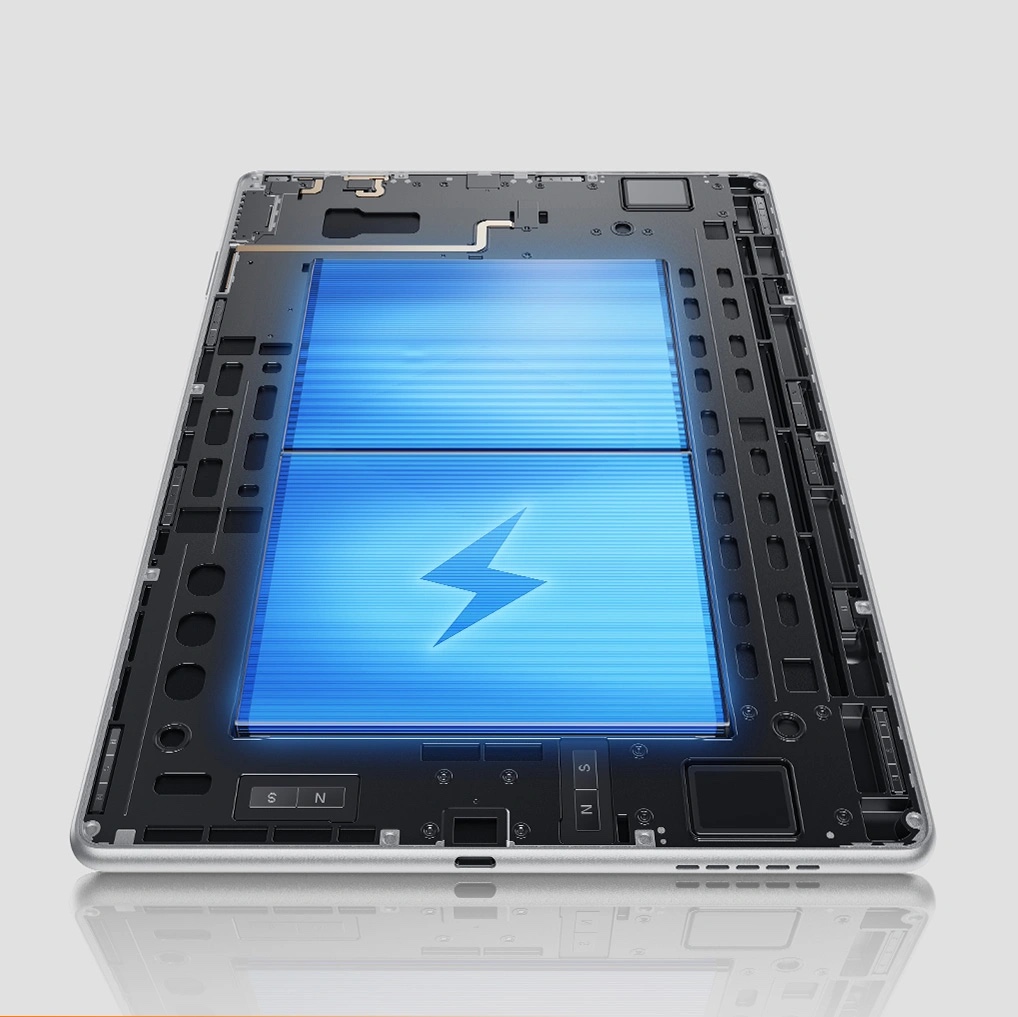
• Battery Life: Weeks in standby, multiple days of drawing per charge
• Companion App: XPPen Note App (iOS & Android)
• Export Formats: PNG, JPG, PDF, SVG, TXT

Extra Features:
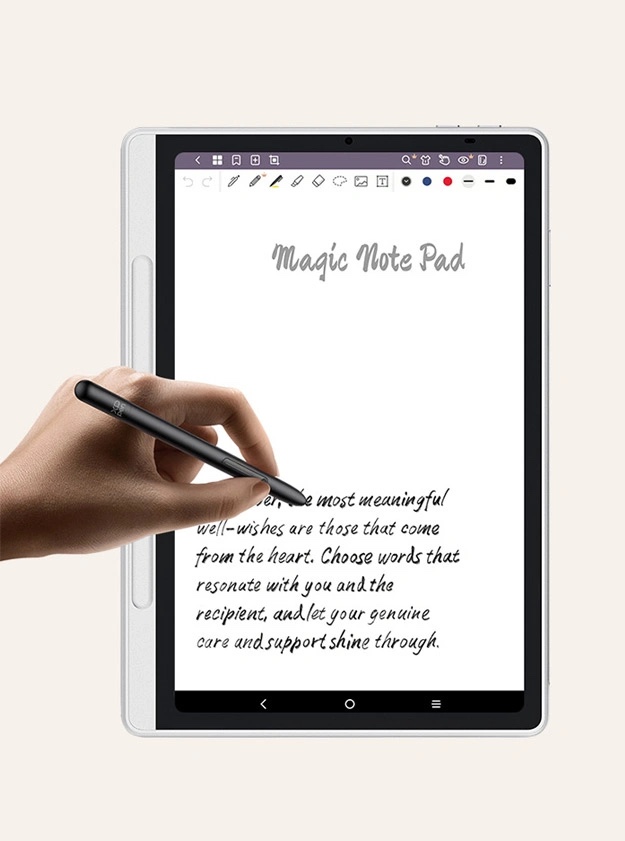
• Handwriting to text
• Real-time screen mirroring (Live View)
• Cloud sync
• Multi-layer drawing
• Templates (grids, storyboards, sheet music, etc.)
Design & Build: Thin, Light, and Artist-Friendly
The Magic Note Pad is as thin as your favorite sketchbook — just 6.9mm, and weighing only 340g. It looks like a minimalist notebook and feels like one too. The matte black finish, soft-touch back, and clean design make it feel premium without being flashy.
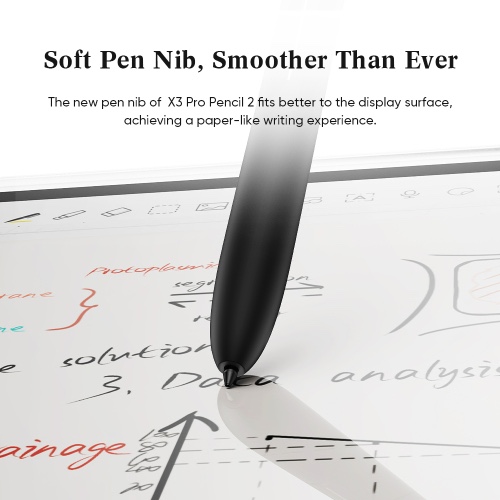
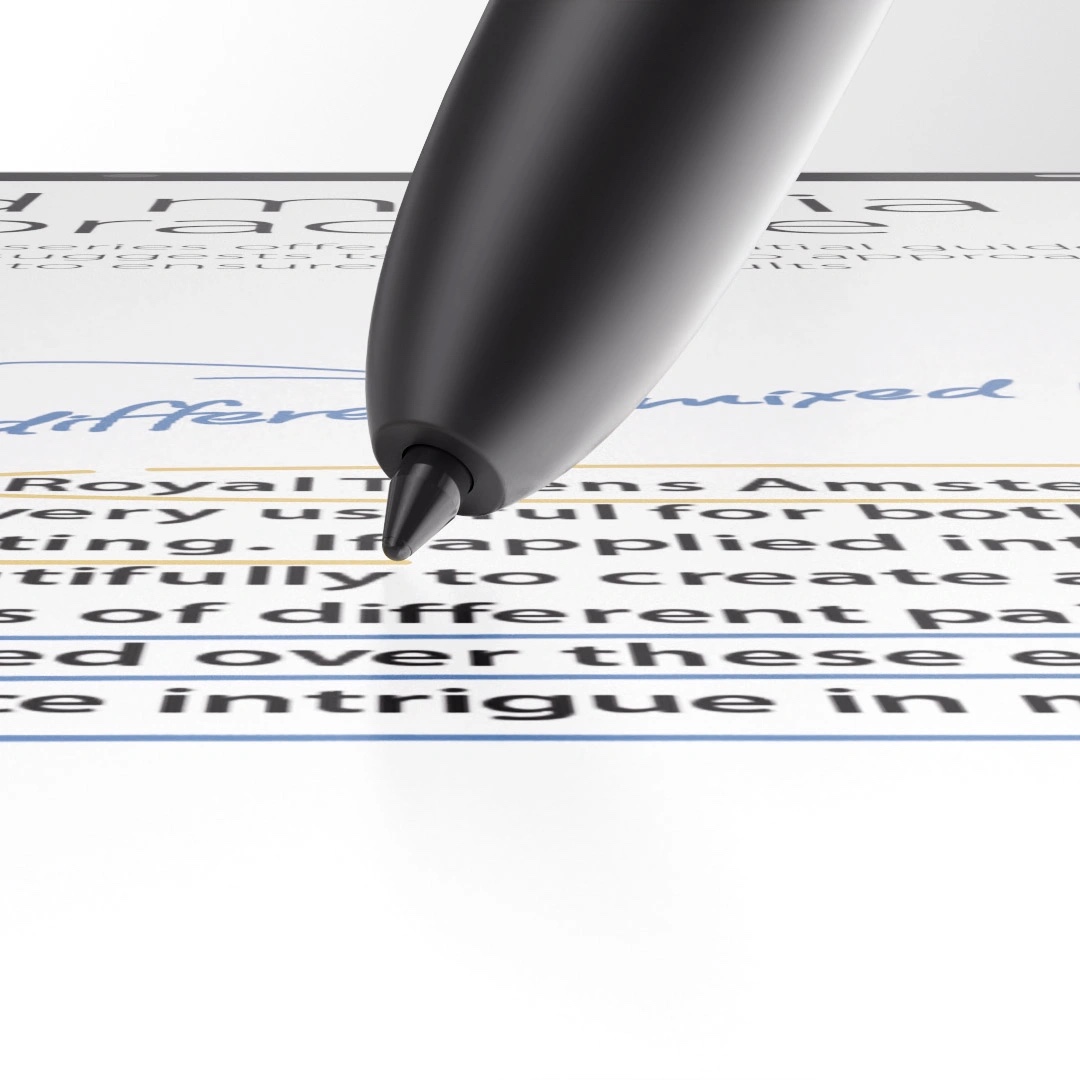
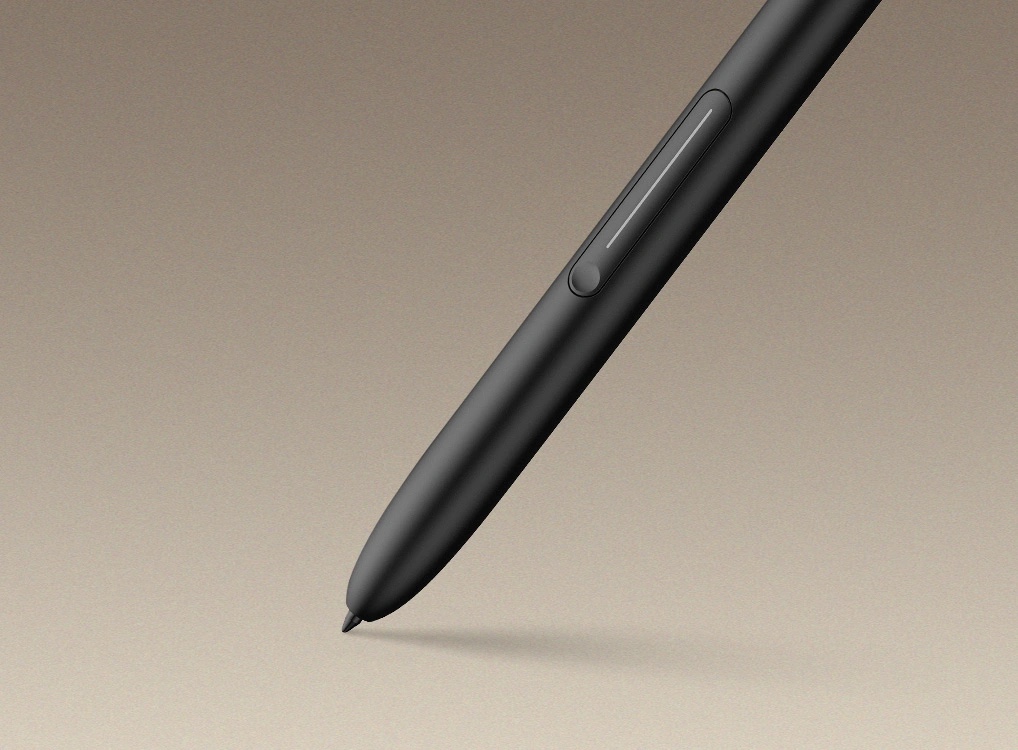
The X3 Pro stylus magnetically attaches to the side — no charging, no batteries. It’s incredibly light (13.5g), precise, and comfortable for long sketch sessions. This isn’t a plastic toy stylus — it’s a pro-grade pen built with artists in mind.
The Screen: E-Ink With a Soul
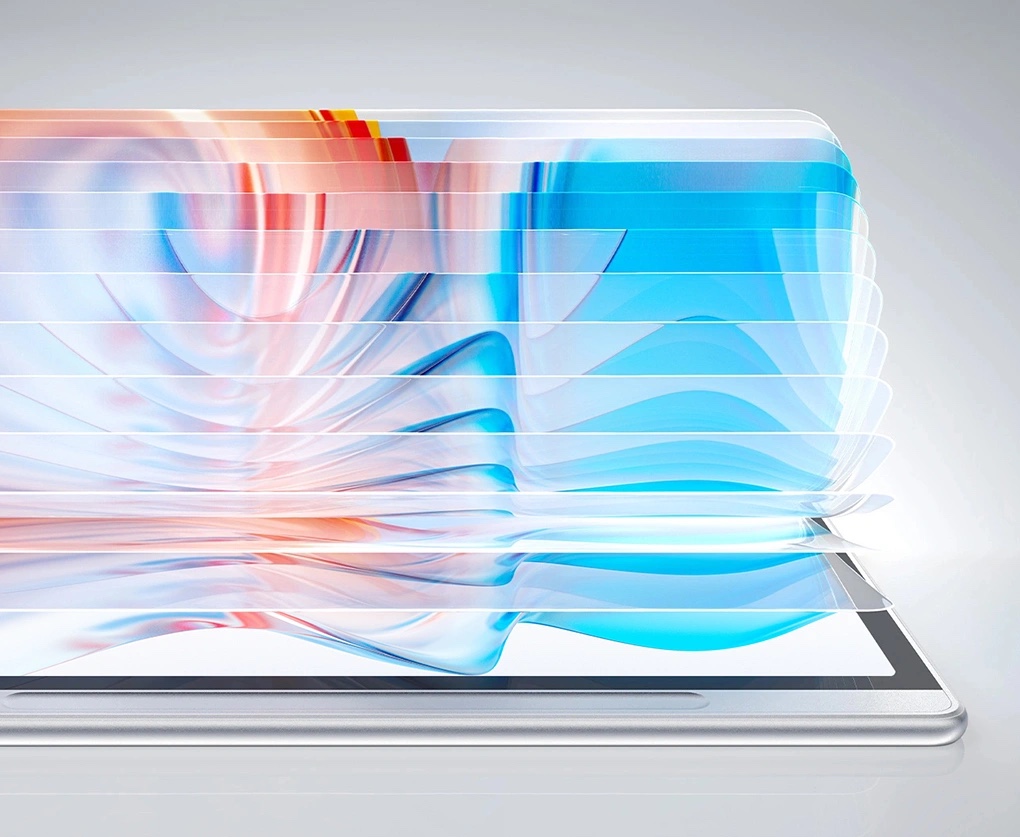
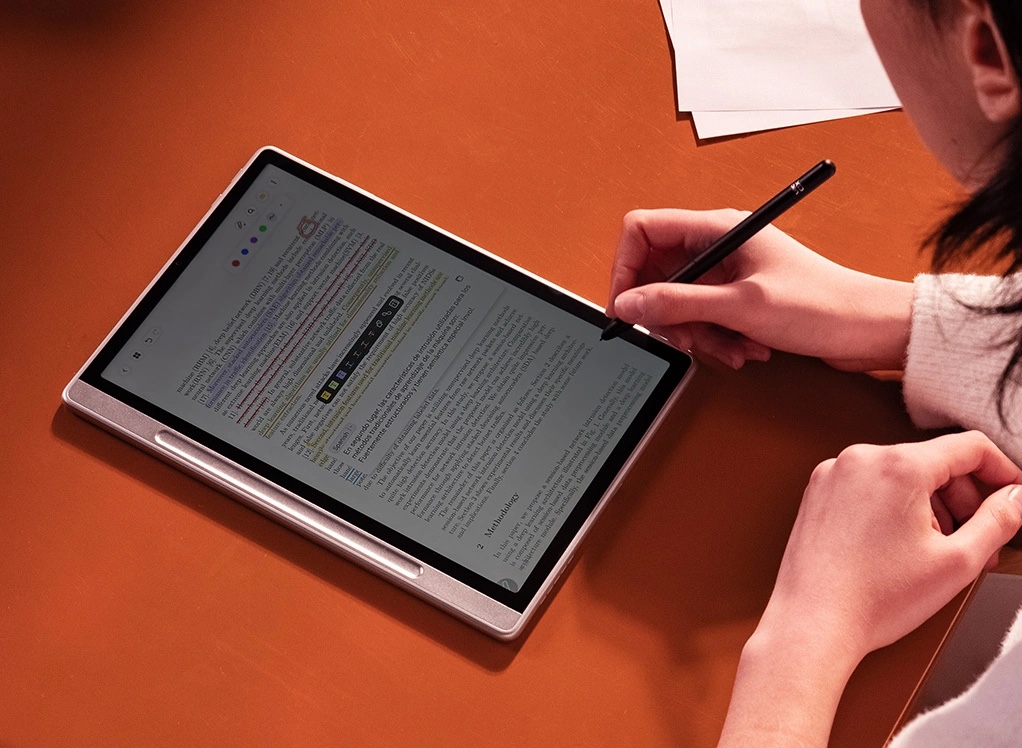
The 10.3-inch E-Ink panel is the star of the show. It’s sharp, high-contrast, and paper-like in every sense. No backlight. No glare. No distractions. Just you and your lines.
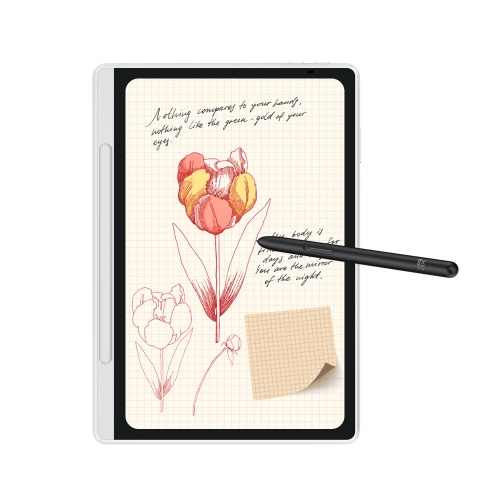
The 227 PPI resolution gives incredible clarity for details and linework. Whether you’re sketching thumbnails, building character poses, or jotting down storyboards — this screen makes it feel natural.
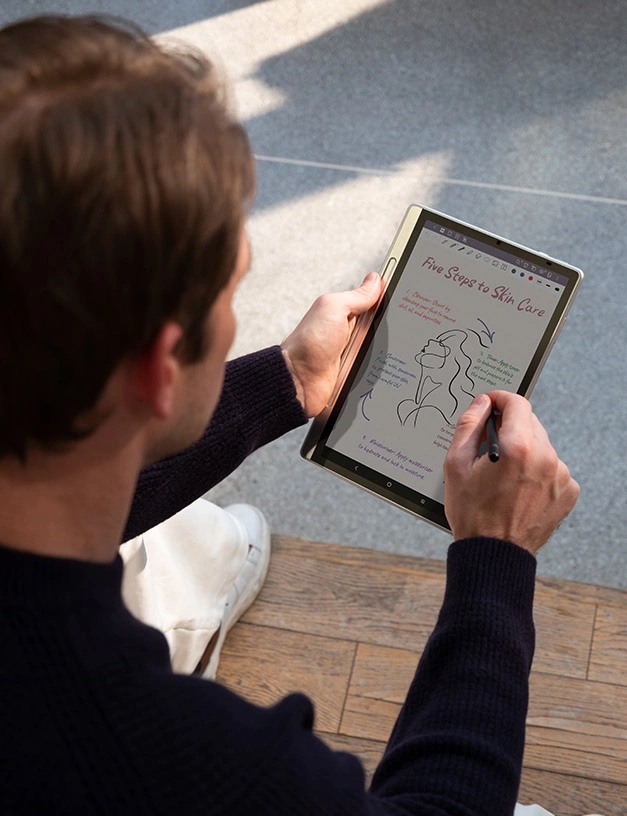
And then there’s texture. It doesn’t feel like glass — it feels like real drawing paper. You get a slight friction, a bit of resistance — enough to make your strokes expressive and human. If you’ve ever hated how your pen slides on iPad glass — this is your remedy.
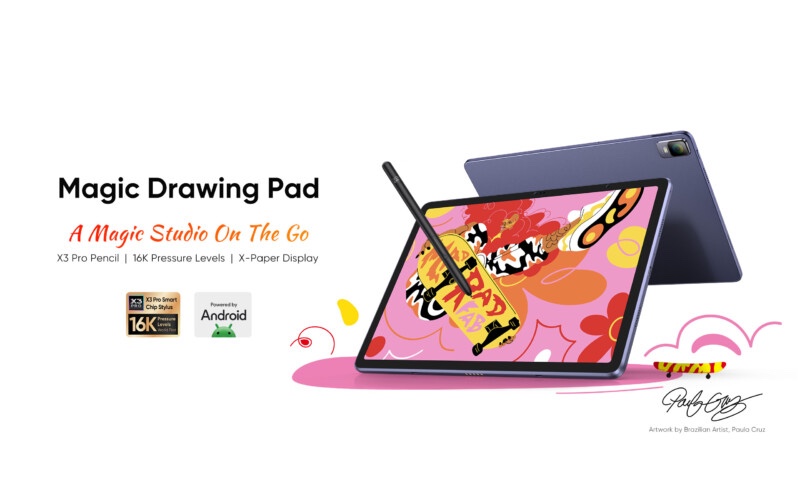
Stylus Experience: 16384 Levels, 2ms Response
Let’s talk about the X3 Pro stylus, because it’s genuinely special. It uses EMR tech (like Wacom), but with XPPen’s new X3 Pro Smart Chip inside, giving:
• 16384 levels of pressure sensitivity (4x the industry standard!)
• 2ms response time
• No battery or charging
• Tilt not supported — but for line-focused artists, that’s no dealbreaker.
Drawing feels immediate. Expressive. Every nuance of your hand pressure is captured. For digital sketching, this is as close to analog as I’ve seen.
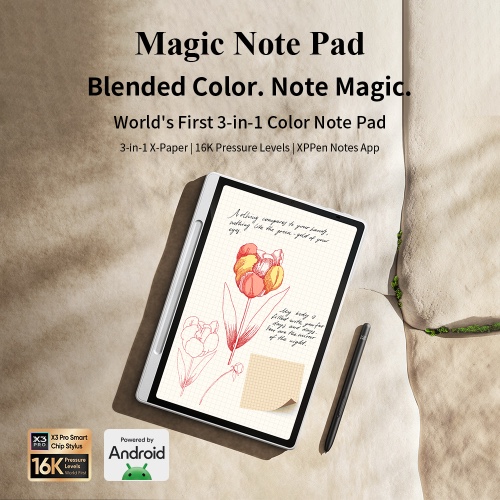
Features & Workflow: Designed for Daily Creativity
While other tablets throw apps and browsers at you, the Magic Note Pad gives you just what you need:
• Real-time syncing to your phone
• Live View (mirror your sketch in real time to your mobile screen)
• Handwriting-to-text conversion
• Cloud storage for instant backup
• Notebook organization — multiple folders, layers, and canvases
• Custom templates — storyboards, music sheets, graph paper, and more
You’re not overwhelmed. You’re just creating.

Performance: Light, Fast, Focused
This isn’t a powerhouse tablet like the iPad Pro — but that’s the point. It’s fast enough, light enough, and quiet enough to become your daily companion.
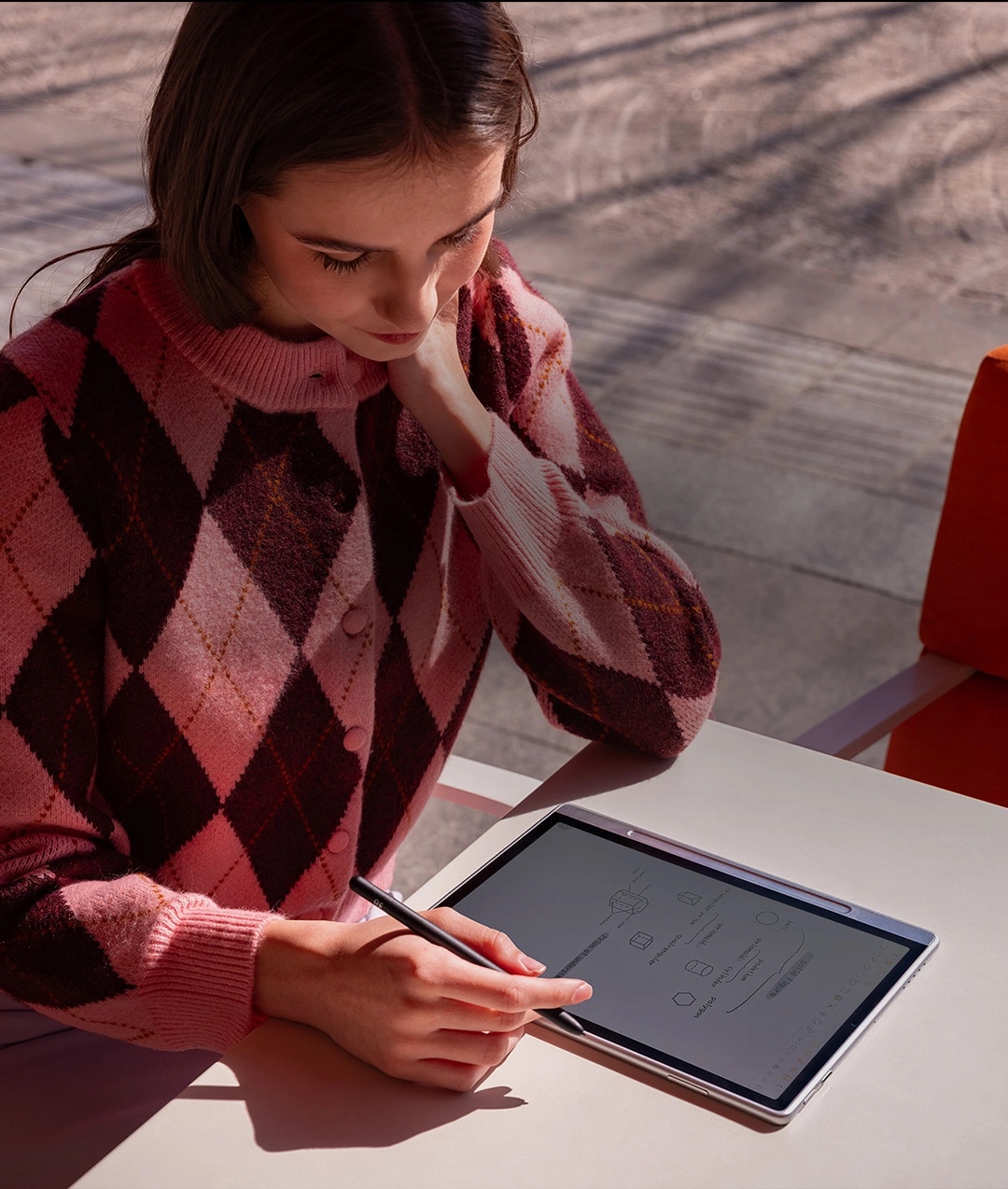
In my tests:
• No visible lag
• Pen-to-screen is nearly instant
• Battery lasted 5 full sketch days before recharging
• No crashes or bugs during sync or Live View
It’s a streamlined tool — not a studio. But for ideation, roughs, and artistic journaling? It’s brilliant.
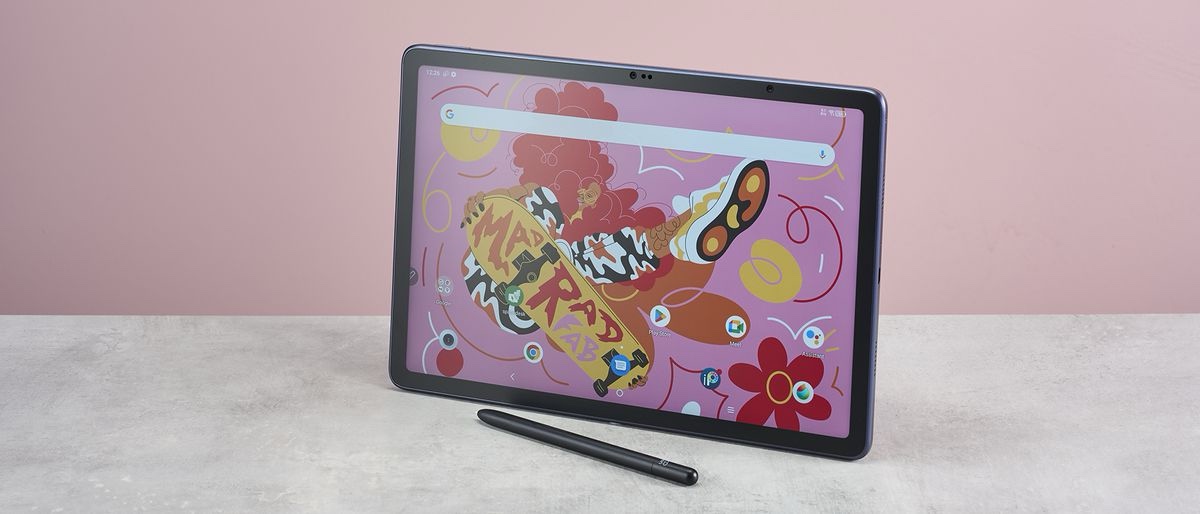
Tech for Life: A Real Artist’s Notebook
This is for creatives who:
• Sketch characters in cafes
• Brainstorm designs on the go
• Fill notebooks with lines and layers
• Want freedom from glass and glowing screens
It’s not about finishing your piece. It’s about starting it — anywhere, anytime, with soul.
Price & Availability
• Retail Price: $499.99 USD
• Released: March 2024
• Where to Buy: Official Store, Amazon, and select retailers
Final Verdict: The Paperless Pad That Makes You Want to Draw
If you’re an artist craving a no-distraction, always-ready, analog-feel sketchbook that lives in the cloud — the XPPen Magic Note Pad is a total win.
This isn’t a jack-of-all-trades tablet. It’s a focused creative tool for thinkers, doodlers, concept artists, and storytellers. It won’t replace Photoshop — but it will replace your pile of half-filled sketchbooks.
Gadget Geek Says:
“No backlight. No apps. No distractions. Just pure, quiet, paper-feel sketching. My best ideas now start here.”