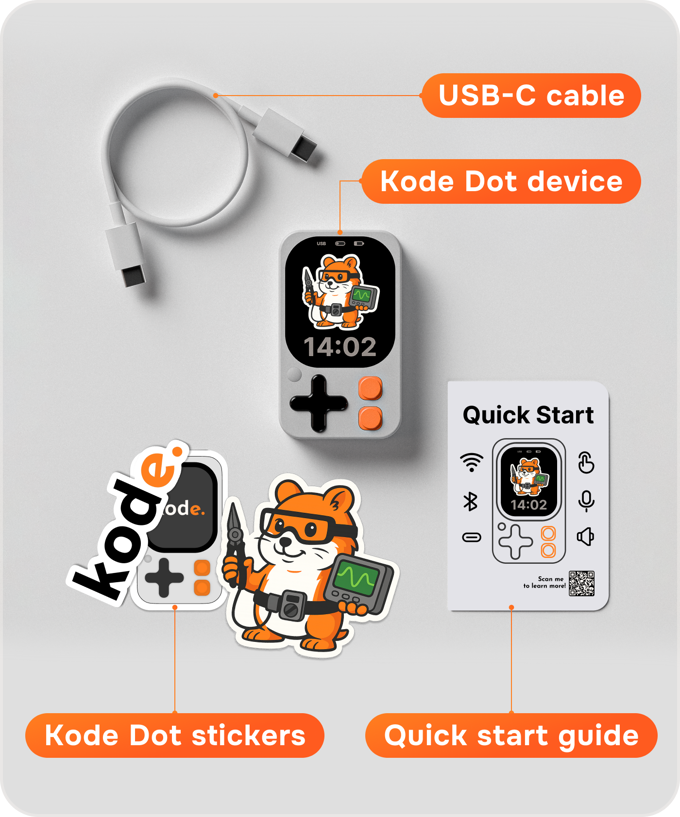
Meet the Kode Dot, a new open-source device promising to put an entire electronics lab in your pocket. It combines an ESP32-S3 microcontroller with a crisp AMOLED touchscreen, sensors, and wireless tech into a form factor that screams “hacker chic.”
While the Flipper Zero dominated the multi-tool scene, Kode Dot aims to take it further by focusing on programmable creativity and AI integration. It is not just for opening garage doors; it is for building voice-controlled assistants and testing circuits on the go.
The device has already raised over $806,000 on Kickstarter, proving there is a massive appetite for portable, all-in-one development kits.
What Happened
The Kode Dot has launched on Kickstarter as a comprehensive solution for makers who are tired of messy breadboards and loose wires. It integrates essential components—like NFC, RFID, and an IR blaster—directly into a handheld unit that looks like a high-end gaming wearable.
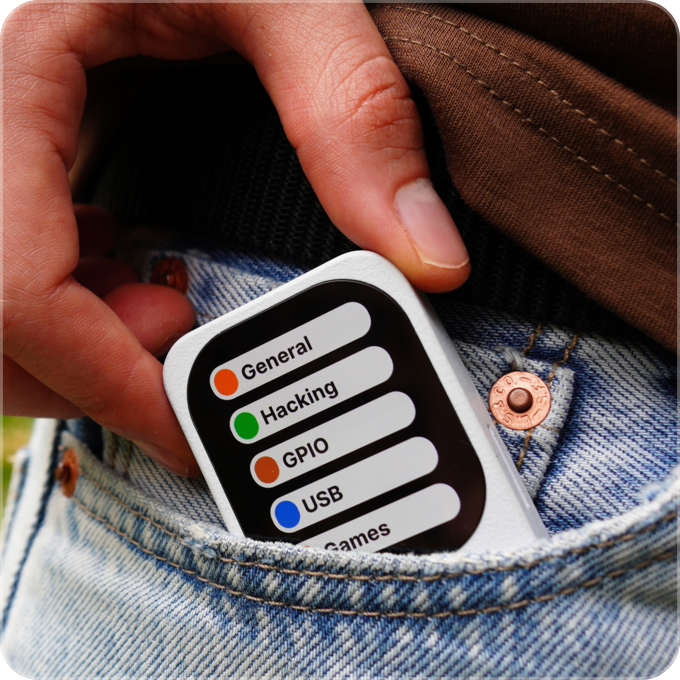
Unlike standard development boards, Kode Dot is designed to run “apps” via its custom kodeOS. This system allows users to upload code via USB-C and save it as a reusable application with a custom icon on the AMOLED display.
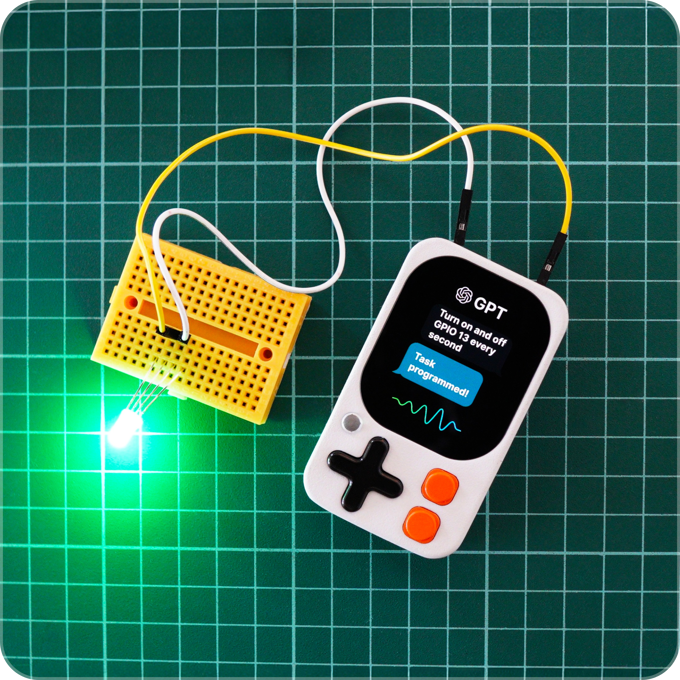
A major highlight is its built-in AI capability. The device uses its microphone and Wi-Fi to connect directly to models like ChatGPT and Gemini, allowing users to trigger hardware actions or get real-time responses via voice commands.
Technical Details and Key Facts
At its heart, the Kode Dot is a battery-powered ESP32-S3 development kit. It distinguishes itself with onboard voice I/O, allowing users to connect to AI models to trigger hardware actions via voice commands.
Because the campaign passed its funding milestones, the device now includes advanced interaction modules like NFC/RFID and IR that were originally stretch goals.

Characteristics
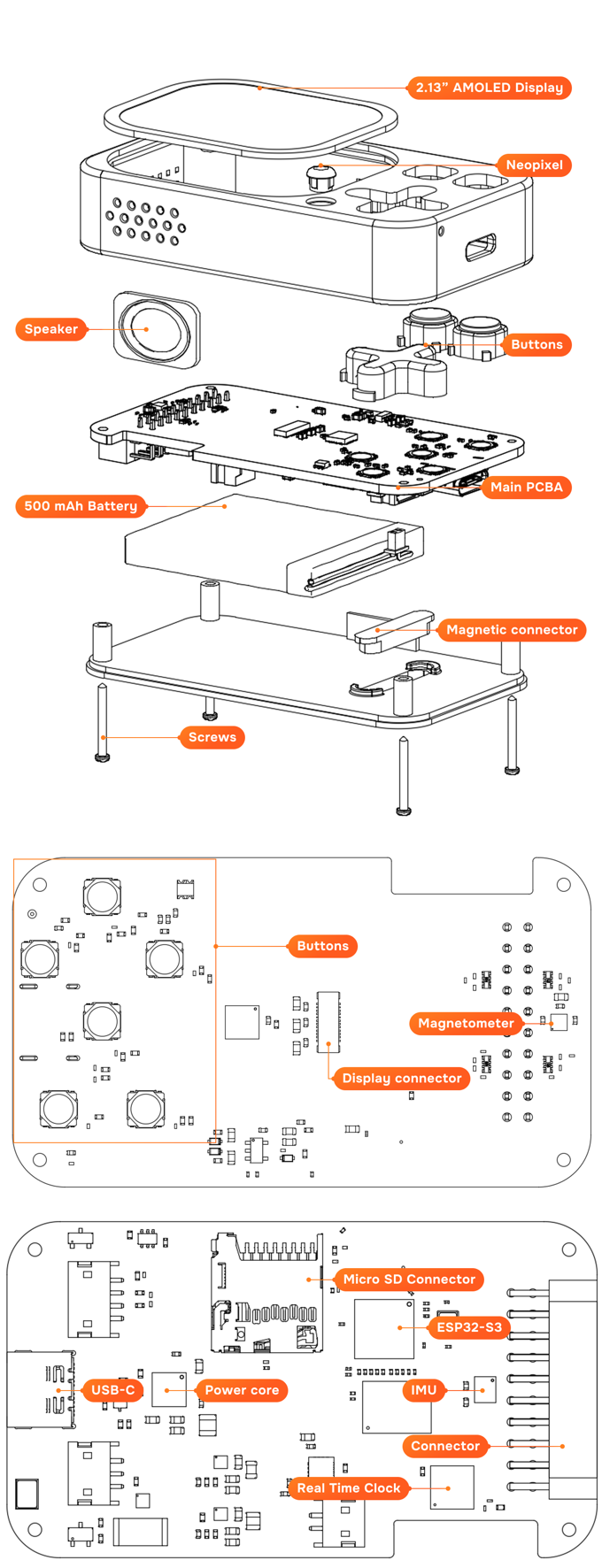
• Processor: ESP32-S3 dual-core MCU
• Memory: 32 MB Octal Flash / 8 MB Octal PSRAM
• Display: 2.13″ Color AMOLED (392 × 410 px)
• AI Support: Voice integration with OpenAI (ChatGPT) & Google Gemini
• RFID/NFC: Built-in NFC & 125kHz RFID (Read/Emulate)
• Infrared: IR Transmitter & Receiver (for TV/AC control)
• Haptics: Vibration Motor (Feedback/Notifications)
• Audio: ICS-43434 MEMS Microphone, 1W Speaker, MAX98357A Amplifier
• Sensors: 9-Axis Motion Sensor, Real-Time Clock (MAX31329), Battery Fuel Gauge (BQ27220)
• Connectivity: Wi-Fi 2.4 GHz, Bluetooth 5 (LE), ESP-NOW Peer-to-Peer
• Ports & Expansion: USB-C (Data/Charging/JTAG), MicroSD Slot, Rear Magnetic Connector
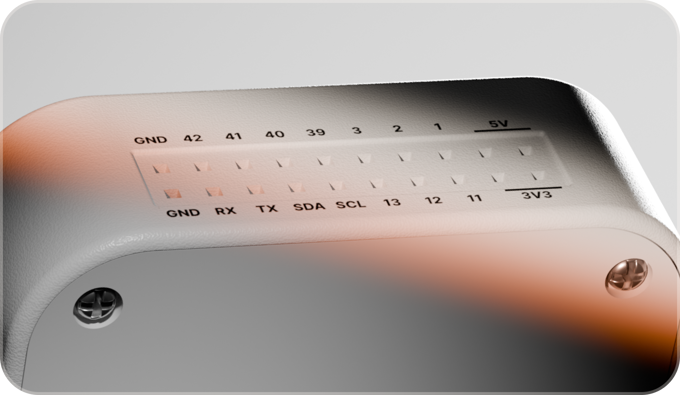
• GPIO Header: 12 GPIOs, I2C, SPI, UART, 5V (2A), 3.3V (2A)
• Power: 500 mAh Li-Po Battery, BQ25896 PMIC
• Dimensions/Weight: 73 × 43 × 15 mm, ~50g
Context and Meaning
The Kode Dot represents a shift from “hacking toys” to legitimate “creative tools.” While the Flipper Zero became famous for its ability to interact with access control systems, the Kode Dot emphasizes creation. It allows makers to visualize data, test sensors, and deploy AI logic without setting up a desk.
It also addresses the “one-time flash” problem of microcontrollers. By allowing multiple programs to be stored as apps, it turns a development board into a multi-purpose utility knife that changes function based on the user’s immediate need.
What Others Say
• “The Kode Dot is a pocket-sized cybersecurity Swiss Army knife that rivals the Flipper Zero.” — Talking Sasquach
• “Maker’s New Best Friend.” — Volos Projects
• “I just wanted to say it feels like using a 22nd-century Arduino.” — Alejandro (Beta Tester)
Vs. the Competition
• Flipper Zero: Dominates in sub-GHz interaction out of the box and has a massive existing community library. However, it uses a monochrome low-res screen.
• Kode Dot: Features a high-res AMOLED color screen, built-in AI voice capabilities, and powerful ESP32-S3 specs. It offers easier coding via Arduino IDE but requires an add-on module for Sub-GHz radio frequencies.
• The Verdict: The Flipper Zero remains the king of pentesting, but the Kode Dot is the superior choice for makers, developers, and those experimenting with IoT and AI.
Cons
• Timeline Risk: The estimated shipping date is July 2026, which is a significant wait for a tech product.
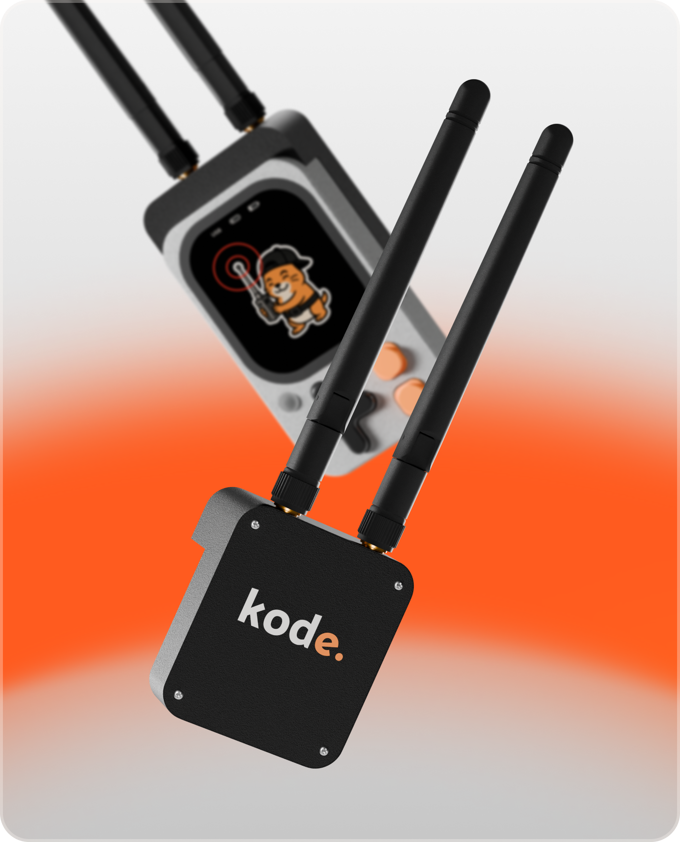
• Modular Costs: Advanced features like Sub-GHz and 5GHz Wi-Fi are not built-in; they require the purchase of the separate “Hacking Module.”
• DIY Required: While it is “easy to use,” it is still a development kit that requires coding knowledge (Arduino/C++) to get the most out of it.
Price and Availability
• Price: Kickstarter pledges start around $129 for the standard Kode Dot.
• Special Editions: A Transparent “Collector’s Choice” edition is available for ~$132.
• Availability: Currently crowdfunding on Kickstarter mass production is scheduled for March 2026 with shipping in July 2026.
FAQ
• What can I do with it?
You can build custom apps, control IR devices (TVs/ACs), read NFC cards, or use it as a voice-controlled AI assistant.
• Does it work with Flipper Zero files?
The device reads and emulates similar protocols (NFC/RFID), but it runs on kodeOS. It is positioned as a rival, not a clone.
• Do I need to know how to code?
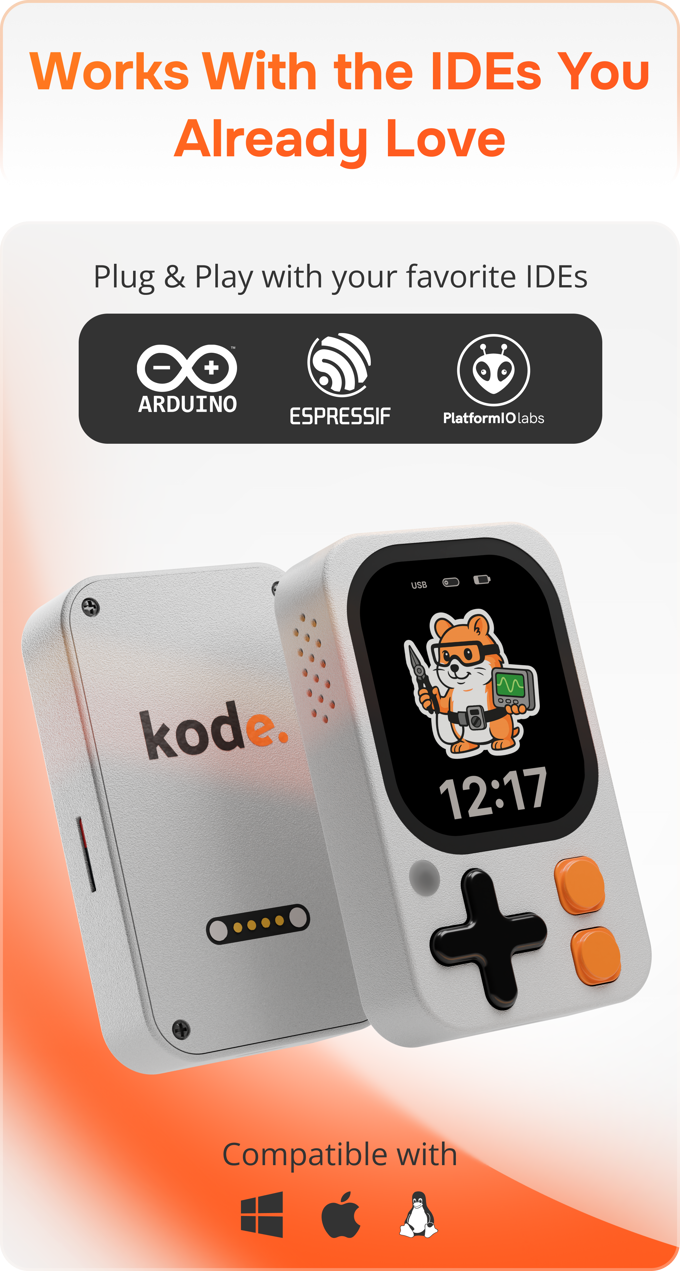
Yes. While it is easier than a bare board, you upload code via Arduino IDE, PlatformIO, or ESP-IDF to create apps.
• Is it legal?
The base device is a development tool. The “Hacking Module” enables pentesting features that should only be used on networks and devices you own or have permission to test.
Conclusion
The Kode Dot is shaping up to be the “Flipper Zero Pro” that the community has been asking for, trading the gaming aesthetic for serious developer specs like an AMOLED screen and ESP32-S3 power. If the team delivers on its ambitious July 2026 timeline, this could become the standard-issue carry for every electronics enthusiast.